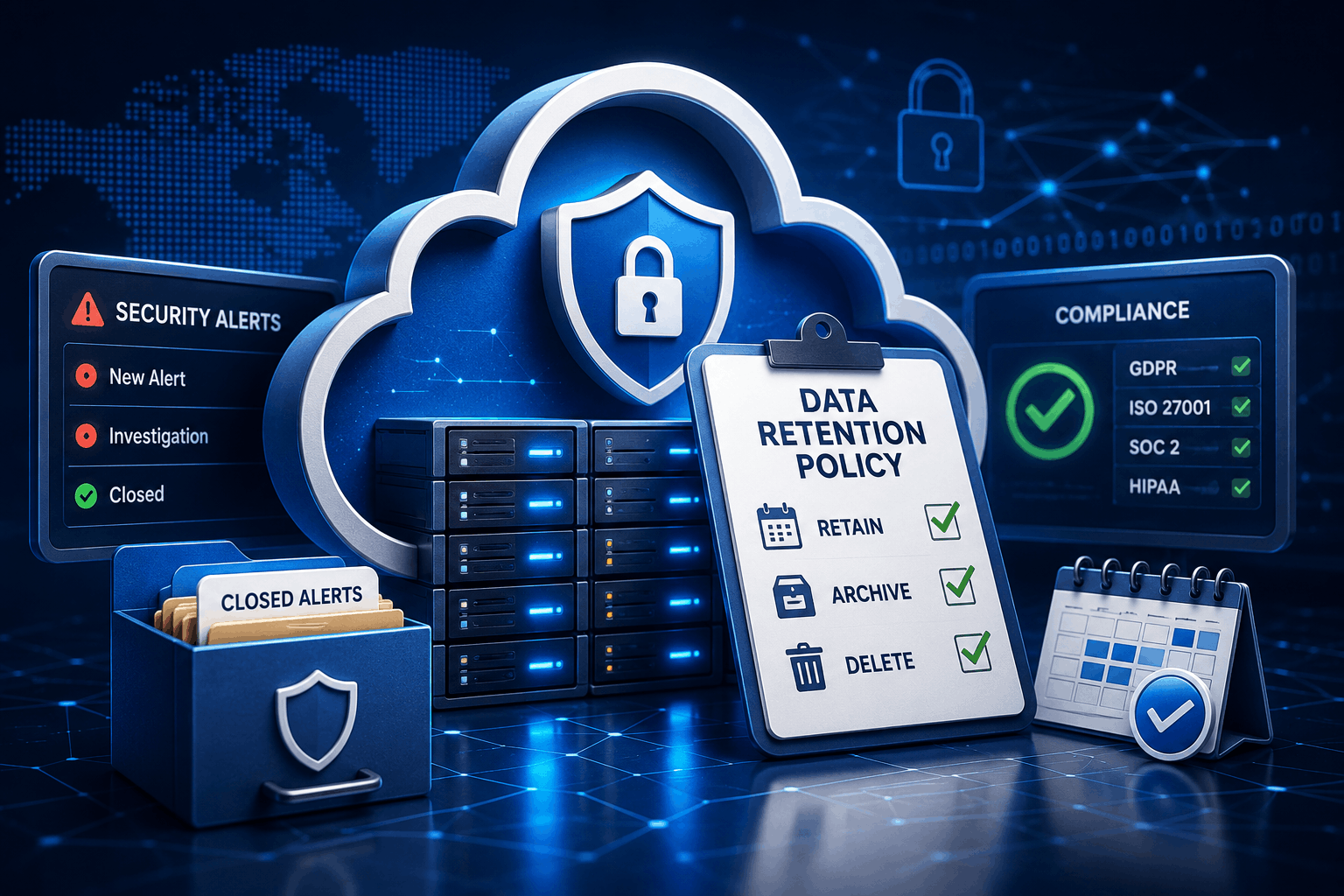
A well-defined cloud data retention policy helps organizations do more than save storage space. It determines how long security information should be kept, when it should be archived, and when it should be permanently removed. As businesses move more applications and workloads to the cloud, security teams are collecting millions of alerts every month. Without a clear retention strategy, valuable security data becomes difficult to manage, compliance risks increase, and storage costs continue to grow.
Many organizations focus on detecting security threats.
Far fewer think about what happens after an alert is closed.
That oversight can create unnecessary challenges during audits, investigations, and future incident reviews.
A structured retention policy ensures security records remain available when they’re needed without keeping outdated information forever.
What Is a Cloud Data Retention Policy?
A cloud data retention policy defines how long different types of cloud data should remain available before they’re archived or deleted.
Not every piece of information deserves the same retention period.
For example:
- Security alerts
- Audit logs
- User activity records
- Access logs
- Compliance reports
- Incident investigations
Each serves a different purpose.
Some records may only need to remain available for a few months.
Others might be required for several years because of regulatory or legal obligations.
The policy creates consistency by ensuring everyone follows the same rules instead of making individual decisions about data storage.
Why Closed Security Alerts Still Matter
Once an alert has been investigated and resolved, it’s easy to assume the work is finished.
In reality, closed alerts often provide valuable historical information.
Security analysts frequently review previous incidents to identify recurring attack patterns.
Compliance teams may need historical evidence during audits.
Incident response teams often compare new threats with older investigations to understand how attackers are evolving.
Deleting information too early removes that historical context.
Keeping everything forever creates different problems.
Storage costs increase.
Search performance slows.
Security teams spend more time filtering outdated information than investigating active threats.
A balanced approach to security alert retention allows organizations to keep useful records while removing information that no longer delivers operational value.
Why Compliance Depends on Good Retention Practices
Every industry manages information differently.
Healthcare organizations follow strict patient privacy requirements.
Financial institutions must retain records for regulatory reviews.
Government agencies often have their own documentation standards.
A well-planned cloud security compliance strategy includes clear retention rules because auditors often ask questions such as:
- How long are security logs stored?
- Who can access archived records?
- When is information permanently deleted?
- How is deleted information verified?
Without documented answers, compliance becomes much more difficult.
A retention policy provides consistency across departments while reducing audit uncertainty.
The Hidden Cost of Keeping Everything
Cloud storage has become more affordable, but unlimited retention still comes with a price.
Organizations generate enormous volumes of security data retention records every day.
Firewall logs.
Authentication records.
Application events.
Cloud monitoring alerts.
Network activity.
When millions of records accumulate over several years, storage expenses increase and investigations become slower.
Analysts searching for one important event may need to review years of unnecessary information.
A retention policy reduces that noise.
Instead of treating every record equally, businesses classify records based on their operational, legal, and compliance value.
Managing the Security Alert Lifecycle
Every alert follows a predictable journey.
It appears.
Someone investigates it.
The issue is confirmed or dismissed.
The case is closed.
Many organizations stop thinking about alerts after that point.
An effective security alert lifecycle continues beyond closure.
A mature process typically includes:
- Alert creation
- Investigation
- Classification
- Resolution
- Archiving
- Scheduled deletion
Each stage has a purpose.
Archiving protects valuable historical information.
Scheduled deletion prevents unnecessary storage growth.
Together, these steps create a cleaner and more manageable security environment.
Best Practices for Cloud Security Management
Creating a retention policy isn’t simply about choosing several days before deletion.
Security teams should evaluate several factors before defining retention periods.
Classify Data First
Different records have different business value.
Security alerts shouldn’t necessarily follow the same retention schedule as audit logs or operational reports.
Classifying information enables organizations to create practical retention rules rather than relying on a single policy for everything.
Align Retention With Regulations
Legal requirements often determine minimum retention periods.
Before deleting archived information, organizations should verify that regulatory obligations have already been satisfied.
This approach strengthens cybersecurity compliance while reducing unnecessary risk.
Automate Retention Policies
Manual deletion processes rarely remain consistent.
Employees change roles.
Procedures evolve.
Tasks get overlooked.
Automation helps ensure records are archived and removed according to predefined schedules, reducing administrative effort and improving consistency.
Review Policies Regularly
Business requirements don’t remain static.
New cloud platforms, security tools, and regulations may require updates to existing policies.
Reviewing retention schedules at least once a year helps ensure they continue supporting operational and compliance objectives.
Common Mistakes That Weaken a Cloud Data Retention Policy
Even organizations with mature security programs can run into problems if their retention policies aren’t regularly reviewed. The most common issues usually have little to do with technology. They happen because policies are outdated, inconsistent, or poorly communicated.
Keeping Every Security Record Forever
Some organizations assume that retaining every security record is the safest option.
It sounds reasonable until storage costs rise, databases become difficult to search, and analysts spend valuable time filtering outdated information.
Older records still have value, but they shouldn’t remain in active storage indefinitely.
A structured archive, combined with scheduled deletion, makes environments easier to manage without losing important historical data.
Deleting Information Too Early
The opposite mistake is removing data before it has fulfilled its purpose.
An investigation may reopen months later.
A regulator may request historical evidence.
An internal audit may require records from a previous reporting period.
Deleting information too soon can create compliance issues and make future investigations far more difficult.
Retention schedules should always balance operational needs with legal and regulatory requirements.
Applying One Rule to Every Data Type
Not every security record deserves the same retention period.
Authentication logs, vulnerability reports, incident records, and compliance documents all serve different purposes.
Applying a single retention period to everything can lead to unnecessary storage costs or compliance risks.
A practical cloud governance strategy classifies information first and then assigns retention periods based on business value.
Building a Practical Cloud Security Policy
A retention policy should be simple enough for every team to understand.
Complicated documentation that nobody reads rarely improves security.
An effective cloud security policy normally answers a few important questions:
- Which security records are collected?
- Who owns the data?
- How long should each record be retained?
- Where will archived information be stored?
- Who can access historical records?
- When should information be permanently deleted?
- How will deletion be verified?
When these questions are documented clearly, security, compliance, legal, and IT teams can follow the same process instead of creating separate procedures.
Automating the Retention Process
Manual retention management becomes difficult as cloud environments grow.
Modern organizations generate thousands or even millions of security events every day.
Reviewing each record individually isn’t realistic.
Automation helps reduce that workload.
Retention rules can automatically:
- Archive closed security alerts
- Remove expired records
- Preserve information under legal hold
- Notify administrators before scheduled deletion
- Generate audit reports
- Track policy exceptions
Automation also reduces the chance of human error.
Instead of relying on manual reminders, organizations consistently apply the same retention standards across all cloud environments.
Measuring Whether Your Retention Strategy Works
Creating a policy is only the beginning.
Security teams should regularly evaluate whether the policy continues to support business goals.
Several metrics provide useful insight.
These include:
- Growth of archived security data
- Storage costs over time
- Average investigation time
- Audit preparation time
- Policy compliance rate
- Number of retention policy exceptions
- Percentage of automatically managed records
Tracking these measurements helps organizations identify opportunities to improve retention processes without compromising security or compliance.
How Retention Supports Incident Response
Security incidents rarely happen in isolation.
Attackers often test systems multiple times before launching a larger campaign.
Historical records provide valuable context during investigations.
Suppose an analyst discovers suspicious activity today.
Archived security alerts from six months earlier may reveal the same IP address, user account, or attack technique.
Without historical records, those connections become much harder to identify.
A well-planned security data retention strategy gives incident response teams access to information that strengthens investigations, rather than forcing them to rely on incomplete evidence.
Preparing for Future Cloud Security Requirements
Cloud environments continue evolving.
Organizations adopt new SaaS platforms, expand multi-cloud infrastructure, and generate larger volumes of security information every year.
As that growth continues, retention policies will become even more important.
Businesses that regularly review their policies, automate routine retention tasks, and align storage practices with compliance requirements will be better prepared for future security challenges.
A strong cloud data retention policy isn’t simply about deleting old records.
It’s about managing information responsibly throughout its entire lifecycle.
Combined with effective cloud security management, consistent security alert retention, and well-defined cloud governance, organizations create a security program that’s easier to maintain, easier to audit, and better equipped to support future investigations while keeping cloud environments organized and compliant.