
Ask ten developers which AI coding tool they use, and you’ll probably hear ten different answers.
A year ago, the conversation was mostly about GitHub Copilot. Today, developers can choose from dozens of platforms that generate code, explain bugs, refactor projects, write tests, and even build complete applications from a prompt.
The challenge isn’t finding a tool.
It’s figuring out which one actually fits your workflow.
Some platforms work best inside an IDE. Others focus on full-stack application generation. A few are designed for enterprise teams with strict security requirements. Choosing the wrong option often leads to frustration, unnecessary costs, and disappointing results.
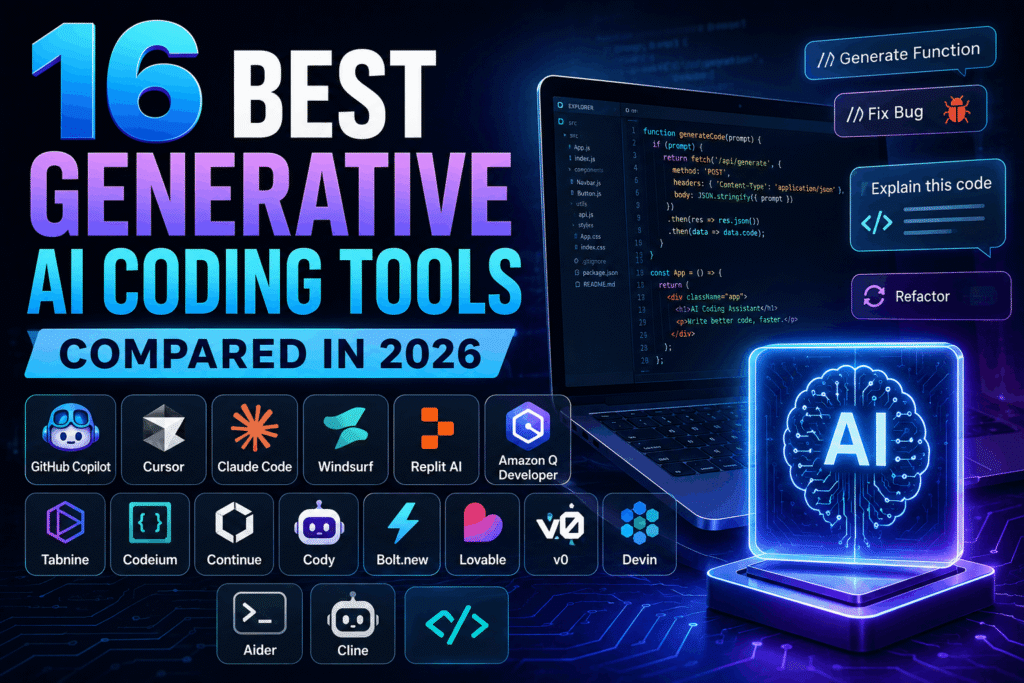
This comparison examines the leading generative AI coding tools available in 2026, what they do well, where they fall short, and who they’re best suited for.
How We Compared These Generative AI Coding Tools
Rather than focusing on marketing claims, this comparison looks at practical factors developers care about:
- Code quality
- IDE integration
- Debugging capabilities
- Context awareness
- Collaboration features
- Security controls
- Pricing
- Learning curve
The goal isn’t to crown a universal winner.
Different developers solve different problems.
Quick Comparison Table
| Tool | Best For | Strength |
| GitHub Copilot | Everyday coding | Mature ecosystem |
| Cursor | AI-first development | Deep codebase understanding |
| Claude Code | Complex reasoning | Large context windows |
| Windsurf | Full workflow assistance | Agent-based coding |
| Replit AI | Rapid prototyping | Browser development |
| Amazon Q Developer | AWS environments | Cloud integration |
| Tabnine | Privacy-focused teams | Local deployment options |
| Codeium | Budget-conscious developers | Free features |
| Continue | Open-source flexibility | Model customization |
| Cody | Large repositories | Code search |
| Bolt.new | Full-stack apps | Fast generation |
| Lovable | Product builders | UI generation |
| v0 | Front-end development | Component creation |
| Devin | Autonomous development | Task execution |
| Aider | Terminal users | Git workflows |
| Cline | VS Code users | Agent capabilities |
1. GitHub Copilot
When people discuss AI coding tools, GitHub Copilot is usually the starting point.
The platform integrates directly into development environments and provides real-time suggestions as you code.
Developers can generate functions, complete repetitive code blocks, write tests, and receive implementation suggestions without leaving their editor.
Best For
- Software engineers
- Enterprise development teams
- Developers already using GitHub
Potential Drawback
Copilot excels at speeding up coding tasks but may struggle with highly specialized business logic without sufficient context.
2. Cursor
Cursor has become one of the fastest-growing AI code assistants in the market.
Unlike traditional autocomplete tools, Cursor understands large portions of a project and can modify files across an entire codebase.
Developers often use it to:
- Refactor projects
- Trace bugs
- Generate features
- Explain unfamiliar code
Best For
Developers who want AI integrated deeply into their workflow, rather than operating as a simple suggestion engine.
3. Claude Code
Claude Code emphasizes reasoning and context management.
For larger projects, this matters.
Many coding assistants lose effectiveness when conversations become complex. Claude Code handles lengthy discussions about architecture, dependencies, and implementation strategies more effectively than many competitors.
Best For
- Backend development
- Complex applications
- Multi-step problem solving
Among modern AI developer tools, Claude Code is particularly useful when developers need explanations rather than just code generation.
4. Windsurf
Windsurf approaches software development differently.
Instead of acting as a coding assistant, it behaves more like an AI collaborator.
Developers can describe objectives, and the platform helps plan, generate, and refine code throughout the development process.
Best For
- Startups
- Product teams
- Developers working independently
The workflow feels closer to pair programming than autocomplete.
5. Replit AI
Replit AI remains popular among developers who prefer browser-based development.
There is no complicated setup.
Users can start coding directly from a browser while receiving AI assistance for generation, debugging, and project creation.
Best For
- Students
- Beginners
- Rapid prototypes
Many developers appreciate how quickly they can move from idea to working application.
6. Amazon Q Developer
Amazon Q Developer is built for organizations heavily invested in AWS.
The platform integrates seamlessly with cloud services, making deployment and infrastructure tasks easier.
Best For
- AWS users
- Enterprise teams
- Cloud-native projects
Among enterprise-focused AI development tools, Amazon Q stands out for its integration with existing AWS workflows.
7. Tabnine
Tabnine takes a different approach.
While many platforms rely heavily on cloud processing, Tabnine places significant emphasis on privacy and security.
Organizations concerned about code exposure often consider it because of deployment flexibility.
Best For
- Security-conscious companies
- Regulated industries
- Internal development environments
Strength
Strong privacy controls compared with many competing coding AI software platforms.
8. Codeium
Codeium gained attention by offering substantial functionality without requiring developers to commit to expensive subscriptions.
For freelancers and independent developers, that matters.
Best For
- Freelancers
- Students
- Small development teams
Strength
One of the strongest value propositions among modern AI coding assistants.
9. Continue
Continue appeals to developers who want control.
Instead of locking users into a single ecosystem, the platform supports multiple AI models and extensive customization.
Best For
- Open-source enthusiasts
- Advanced developers
- Teams are experimenting with multiple models
The flexibility comes with a slightly steeper learning curve.
10. Sourcegraph Cody
Large repositories create unique challenges.
Finding relevant code takes longer than writing it.
Cody focuses heavily on search, navigation, and understanding large codebases.
Best For
- Large engineering teams
- Legacy applications
- Enterprise software environments
Among AI developer tools, Cody’s repository awareness remains one of its biggest strengths.
11. Bolt.new
Bolt.new has attracted attention because it can generate complete applications surprisingly quickly.
Developers provide instructions.
The platform generates project structures, front-end interfaces, and application logic.
Best For
- MVP development
- Startup founders
- Product validation
Strength
Excellent speed for building working prototypes.
12. Lovable
Lovable focuses heavily on turning ideas into usable products.
Instead of concentrating solely on code, the platform emphasizes user experience and interface creation.
Best For
- Product builders
- Entrepreneurs
- Non-technical founders
Developers often use it when visual design matters as much as functionality.
13. v0
Front-end developers often face repetitive tasks.
Building components, layouts, and responsive interfaces consumes time.
v0 addresses this by generating production-ready UI components from natural language instructions.
Best For
- React developers
- Front-end teams
- Design-focused projects
Many teams use v0 alongside other AI coding tools rather than replacing them entirely.
14. Devin
Devin introduced a different vision for software development.
Rather than acting as an assistant, Devin attempts to complete entire development tasks independently.
Users assign objectives.
The system plans, writes code, tests functionality, and reports results.
Best For
- Experimental workflows
- Task automation
- Engineering productivity initiatives
Limitation
Human review remains necessary before production deployment.
15. Aider
Aider appeals to developers who spend significant time in the terminal.
The tool integrates with Git workflows and allows developers to modify projects using conversational instructions.
Best For
- CLI users
- Experienced developers
- Git-centric workflows
Its simplicity often appeals to engineers who prefer minimal interfaces.
16. Cline
Cline has gained popularity among Visual Studio Code users.
The platform supports advanced agent workflows that can analyze files, make changes, and perform development tasks with limited supervision.
Best For
- VS Code developers
- AI experimentation
- Agent-assisted workflows
Among newer AI coding assistants, Cline continues to attract attention for its flexibility.
Which Tool Fits Different Types of Developers?
Choosing among today’s generative AI coding tools often depends more on workflow than features.
For Everyday Software Development
- GitHub Copilot
- Cursor
- Claude Code
These tools balance usability and productivity effectively.
For Startups and Rapid Development
- Bolt.new
- Lovable
- Replit AI
They help move from concept to prototype quickly.
For Enterprise Teams
- Amazon Q Developer
- Tabnine
- Sourcegraph Cody
These platforms offer stronger governance, security, and scalability features.
For Advanced AI Workflows
- Devin
- Cline
- Windsurf
Developers interested in agent-driven development often start here.
What Matters More Than Features
Many comparison articles focus entirely on feature lists.
In practice, developer adoption often depends on something simpler.
Trust.
If suggestions consistently save time, developers keep using the tool.
If outputs create extra work, adoption fades quickly.
The strongest generative AI coding tools aren’t necessarily the platforms with the longest feature lists. They’re the ones developers reach for repeatedly because they improve daily work without creating unnecessary friction.
That is why GitHub Copilot, Cursor, Claude Code, and several newer entrants continue gaining momentum. They fit naturally into existing workflows rather than forcing developers to change how they build software.