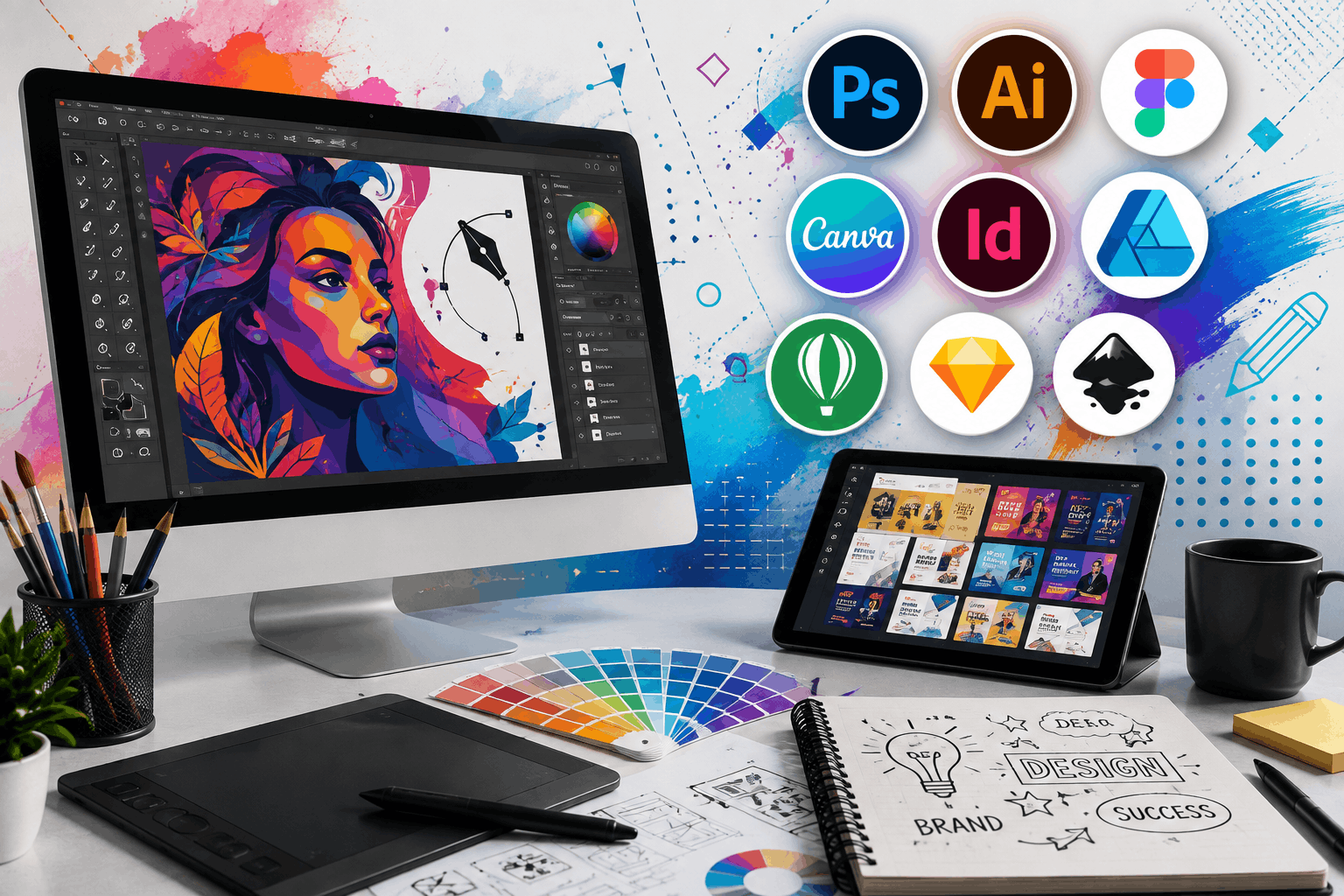
Every creative project starts with an idea, but turning that idea into something people notice depends on the Graphic Design Software you choose. The right application can speed up your workflow, simplify collaboration, and produce professional visuals without unnecessary effort. Whether you’re creating social media graphics, marketing campaigns, presentations, or brand assets, using software that matches your work style often matters more than choosing the platform with the longest feature list.
Some designers prefer complete creative suites packed with advanced editing tools.
Others need something lightweight that helps them publish content quickly.
There isn’t a single solution for everyone, which is why understanding how each platform fits different projects is more useful than simply comparing feature checklists.
How to Choose the Right Graphic Design Software
Before installing another design application, think about the type of work you create most often.
A freelance logo designer has different priorities than a marketing team publishing content every day.
Questions worth asking include:
- Will the software handle both print and digital projects?
- Can multiple team members collaborate easily?
- Does it support cloud storage?
- Are templates available for faster production?
- How steep is the learning curve?
- Does it integrate with your existing workflow?
Answering these questions usually narrows the options much faster than comparing dozens of technical specifications.
The Best Graphic Design Software Solves Real Problems
Great design software isn’t measured only by the number of features.
It should remove obstacles.
If exporting files feels complicated or collaboration becomes difficult, even the most powerful platform can slow a project.
The Best Graphic Design Software helps users move from concept to finished design without constant workarounds.
For marketers, that might mean creating campaign graphics quickly.
For illustrators, it could mean precise drawing tools.
For agencies, collaboration and asset management may be the biggest priorities.
Understanding your daily work helps determine which platform deserves a place in your toolkit.
Adobe Photoshop Remains the Industry Standard
When people think about professional image editing, Adobe Photoshop is usually the first application that comes to mind.
Its capabilities extend far beyond photo retouching.
Designers use it for:
- Digital artwork.
- Advertising creatives.
- Website mockups.
- Product images.
- Social media graphics.
- Marketing banners.
Photoshop includes advanced editing features that experienced professionals rely on every day.
The trade-off is complexity.
New users often need time before they feel comfortable navigating the interface.
For businesses creating high-quality visual content regularly, Photoshop continues to be one of the strongest Graphic Design Tools available.
Adobe Illustrator Excels at Vector Design
Raster graphics lose quality when enlarged.
Vector graphics don’t.
That’s why Illustrator remains a preferred choice for logos, icons, packaging, and branding projects.
Designers working with scalable artwork appreciate the flexibility vector graphics provide.
Marketing teams also benefit because one design can be resized for business cards, billboards, websites, and presentations without losing clarity.
When brand consistency matters, Illustrator remains an essential part of many creative workflows.
Canva Makes Professional Design More Accessible
Not everyone using design software has formal design training.
That’s one reason Canva continues growing in popularity.
Its drag-and-drop interface allows users to create presentations, social media graphics, brochures, advertisements, and marketing materials with very little learning time.
For many businesses, especially small companies, Canva serves as one of the most practical Design Software for Marketers.
Marketing teams can quickly customize templates while maintaining consistent branding.
The platform also supports collaboration, making reviews and approvals much faster than exchanging multiple file versions through email.
Affinity Designer Offers Professional Features Without a Subscription
Subscription pricing doesn’t suit every creative professional.
Affinity Designer provides a different approach.
Instead of monthly fees, users purchase the software once.
Despite the lower long-term cost, the application includes many professional features for illustration, branding, UI design, and vector graphics.
Freelancers often choose Affinity Designer because it balances performance with affordability.
For independent designers managing multiple client projects, that combination can significantly reduce software expenses.
Figma Changes How Teams Work Together
Modern design rarely happens in isolation.
Writers, developers, marketers, designers, and project managers often contribute to the same project.
Figma was built with that collaboration in mind.
Instead of sending files back and forth, multiple users can work inside the same design simultaneously.
Feedback appears immediately.
Changes update in real time.
Version control becomes much easier.
That’s why product teams and agencies increasingly consider Figma among the most valuable Creative Design Software solutions available today.
Its browser-based workflow also reduces compatibility issues across different operating systems.
The Right Tool Depends on the Project
Comparing software side by side is useful.
Understanding where each application performs best is even more valuable.
Some projects require detailed image manipulation.
Others demand rapid content creation.
Some involve large creative teams spread across different locations.
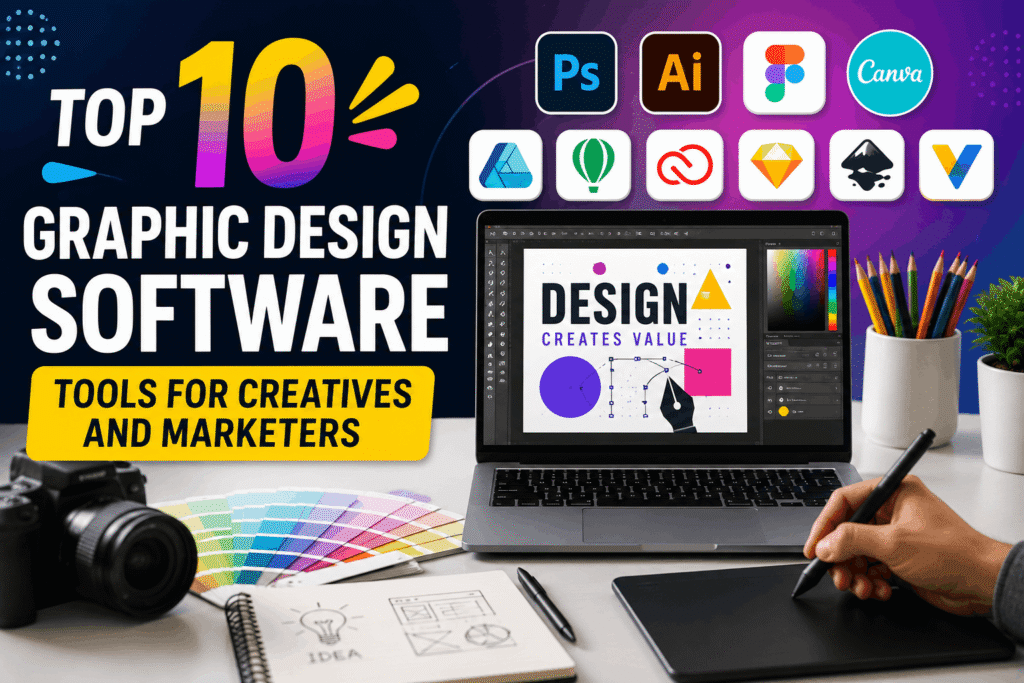
Rather than searching for one perfect application, many professionals combine several Graphic Design Programs to create an efficient workflow.
A marketer might begin with Canva for social graphics, edit product photos in Photoshop, and collaborate on interface designs through Figma.
Using the strengths of each platform often produces better results than relying entirely on one solution.
CorelDRAW Continues to Serve Print Designers Well
Not every design project ends up on a website or social media feed.
Many businesses still depend on brochures, packaging, signage, magazines, catalogs, and promotional materials.
CorelDRAW has built its reputation around these professional print workflows.
Its vector editing tools, page layout capabilities, and color management features make it especially useful for commercial printing.
Print shops and branding agencies often choose CorelDRAW because it handles large-format projects without disrupting established production processes.
For professionals working with physical marketing materials every day, it remains one of the most dependable Graphic Design Tools available.
Adobe Express Helps Marketers Move Faster
Marketing teams often need graphics immediately.
A product announcement.
A seasonal promotion.
An event banner.
Waiting days for a designer isn’t always practical.
Adobe Express fills that gap by offering ready-made templates, simple editing tools, and quick publishing options.
Unlike Photoshop, it focuses on speed rather than advanced editing.
That makes it a practical choice for busy marketing departments looking for reliable Design Software for Marketers.
Employees without formal design experience can still create professional-looking visuals while maintaining brand consistency.
Sketch Remains Popular Among Interface Designers
Although competition has increased, Sketch still holds a strong position in UI and UX design.
Application interfaces require precision.
Developers need organized design files.
Product managers want quick reviews.
Sketch supports these workflows with reusable components, symbols, and collaborative design systems.
For digital product teams focused primarily on interfaces rather than marketing graphics, Sketch continues to offer a streamlined experience.
Its simplicity appeals to designers who prefer specialized software over all-in-one creative suites.
Inkscape Gives Designers a Free Vector Alternative
Professional software isn’t always necessary.
Students.
Small businesses.
Non-profit organizations.
Independent creators.
Many need capable design software without adding another subscription to their monthly budget.
Inkscape offers vector illustration tools that support logos, icons, diagrams, and scalable graphics.
While it doesn’t include every premium feature found in commercial applications, it provides enough flexibility for many everyday projects.
For beginners exploring Graphic Design Programs, Inkscape offers an affordable starting point without limiting creative possibilities.
Procreate Has Changed Digital Illustration
Illustrators working on tablets often mention Procreate before any other application.
Its interface feels natural.
Drawing responds smoothly.
Brush customization provides impressive flexibility.
Artists use it for:
- Character illustrations.
- Book covers.
- Storyboards.
- Concept art.
- Marketing graphics.
- Social media artwork.
Because it focuses on touch-based creativity, Procreate has become a favorite among illustrators who prefer sketching directly on screen instead of using traditional desktop software.
VistaCreate Makes Everyday Marketing Easier
Small businesses frequently need attractive graphics without investing hours into every project.
VistaCreate helps bridge that gap.
Users can create advertisements, social posts, flyers, presentations, and promotional graphics using customizable templates.
For entrepreneurs managing their own marketing, it provides another practical option among today’s Design Software for Marketers.
The learning curve stays manageable, allowing teams to produce consistent visual content even without dedicated designers.
Price Isn’t the Best Way to Compare Software
Many buyers immediately compare subscription costs.
Price matters.
Value matters more.
An expensive platform that saves hours every week may cost less over the course of a year than a cheaper tool that slows production.
Instead of focusing only on monthly fees, consider questions such as:
- Will this software improve productivity?
- Does it fit existing workflows?
- Can new employees learn it quickly?
- Does it reduce repetitive work?
- Will it still meet business needs next year?
The answers often reveal which Best Graphic Design Software deserves the investment.
Avoid These Common Buying Mistakes
Choosing creative software becomes much easier when expectations remain realistic.
Several mistakes appear repeatedly.
Buying Features You’ll Never Use
Large software packages often advertise hundreds of capabilities.
Most users rely on only a small percentage of them.
Choose tools based on daily work rather than marketing brochures.
Ignoring Team Collaboration
Creative projects rarely involve one person.
If designers, marketers, and reviewers struggle to exchange files, productivity quickly suffers.
Choosing Software That Doesn’t Scale
A platform that works for one freelancer may become limiting as the business grows.
Planning ahead reduces future migration headaches.
Overlooking File Compatibility
Designers often collaborate with printers, agencies, clients, and developers.
Choosing software that supports common file formats prevents unnecessary delays.
Building a Workflow That Actually Works
Professional creatives rarely rely on one application from start to finish.
Each tool serves a different purpose.
A product photo may begin in Photoshop.
Brand assets might be refined in Illustrator.
Marketing graphics could be completed in Canva.
User interface designs may move into Figma.
This combination allows teams to use the strengths of multiple Creative Design Software solutions instead of forcing every project into a single application.
The result is a workflow that feels faster, more organized, and easier to adapt as creative demands continue to grow.