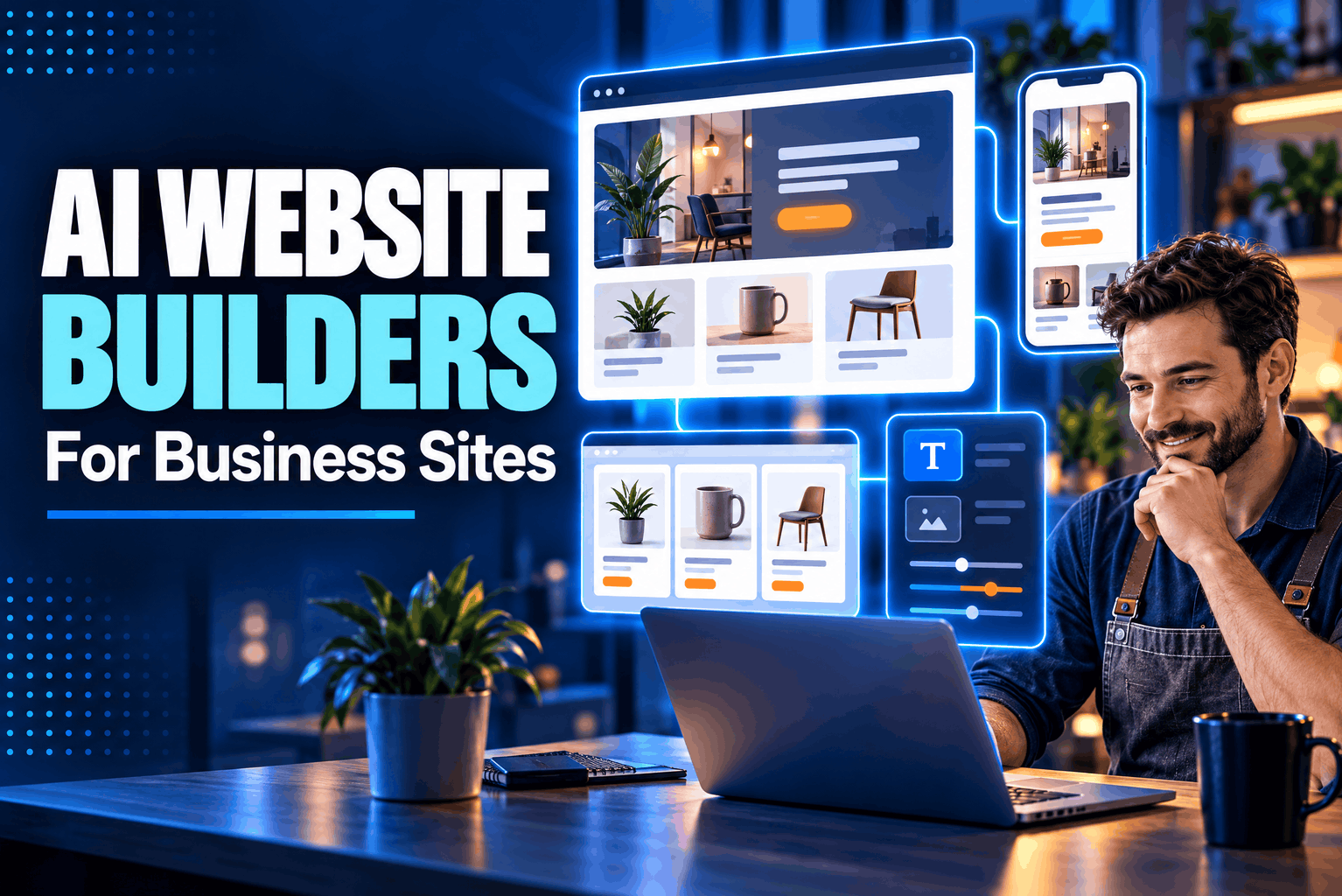
Best AI website builders can turn a short business description into a first draft of a store, service site or marketing page. The useful question is what happens next. Shopify is built around selling; Framer gives visual control to design-led teams; Squarespace, Wix and Hostinger combine site creation with different editing and business features. None removes the need to check copy, forms, mobile layouts and payments before launch.
This comparison covers the official features each company lists, checked October 12, 2026. Plans can change, so confirm current terms before signing up.
Best AI website builders compared by the job your site needs
Wix: a flexible starting point for a business site
Wix uses a business brief about goals, style and needed features to draft pages, copy, visuals and structure. Owners can then edit the result, ask Aria for changes, or add a store, appointments, blog and other business tools.
Wix suits businesses that want a site and operating tools in one account. But the AI builder creates new sites, not edits of existing ones. A generated site cannot switch templates; a major redesign may require a new site and moving the paid plan.
AI site creation is free to start, but custom domains and payments require a paid plan. Wix lists SEO controls for metadata, URLs and sitemaps, not guaranteed search placement. Check plan terms before publishing.
Since the AI site builder creates new sites, owners of an existing Wix site need a different route for AI edits. Have the person who will maintain the site test a routine page change before launch.
Squarespace Blueprint AI: a polished multi-page draft
Squarespace Blueprint AI uses a brief about the business, audience, visitor action and style to draft pages, copy and visual settings. Users then edit text, images, layout, colors and fonts in Squarespace. Optional AI features can create images and page sections.
It can suit a consultant, studio or service company that wants a coherent marketing site and will make its own edits. Treat generated copy and images as drafts; verify claims, accessibility and the next step for visitors.
A paid website plan is required to make a trial site public. Store fees, payment processing and domain renewals depend on plan and setup; compare the full cost, not just a promotion.
Blueprint can create pricing blocks, comparisons, galleries and testimonials. Check claims against the actual offer and preview pages on a phone; a desktop layout can hide buttons or make copy hard to read.
Hostinger: two ways to build and keep editing
Hostinger offers Manual mode, which pairs AI-generated pages with visual edits, and Agentic mode for chat-based changes. Its builder also lists hosting, SSL, publishing, SEO settings and optional store features.
For a brochure site or enquiry page, an AI website builder for small business can save setup time. But Hostinger says a project cannot switch between Manual and Agentic mode; changing means starting over. Prompt credits are limited, and store features depend on the checkout tier.
Check the term, upfront charge, renewal rate, domain and AI-credit limits. Store access may also vary by plan.
Hostinger lists fields for titles, descriptions, URLs and keywords, plus a sitemap and SEO Assistant. Owners still need to verify page claims and test that contact forms reach the right inbox.
Framer: direct design control with AI help
Framer’s AI creates editable pages, copy and visuals. Users adjust type, spacing and responsive layouts on the canvas. Its CMS supports blogs and resource pages; site controls include metadata, social previews, sitemaps and redirects.
Framer suits design-led marketing or campaign sites. The result stays editable, though users unfamiliar with the canvas may need time to learn it.
Framer is not an ecommerce platform; a shop needs a separate service for listings, cart and checkout. Its official pages showed different prices, so verify the plan at checkout.
Framer’s agents can update editable pages, responsive layouts, code components and CMS content. That suits sites that change often, but teams should check publishing and rollback before a time-sensitive launch.
Shopify: choose it when selling is the main job
Shopify’s AI Store Builder suggests a store design from a short description. The merchant still adds products, payment and shipping details, and final copy. The editor changes sections, themes, images and navigation; separate AI tools can draft product text.
Shopify suits sellers: paid plans include the online store, checkout, hosting and SSL. AI design alone does not set up a live shop, and domain cost may be separate. A simple information site may not need its commerce features.
Shopify lists AI help for page and blog copy, product descriptions and theme blocks. Check names, stock, options and shipping terms against the catalog; generated copy cannot supply accurate inventory or payment setup.
When an AI website builder for small business is enough
A no-code website builder for business can be a sensible fit if the site has familiar pages, a simple contact form and limited custom behavior. Think about who will make updates after launch. If a staff member needs to change opening hours or publish a new service page, test that task in the editor before choosing a plan.
AI website design tools can mean a prompt-generated draft, chat editor, visual canvas or store starter. Ask what stays editable, then try changing a headline, image, mobile layout and page. A polished preview matters less if routine edits are awkward.
A website builder with AI may bundle hosting, SSL, domains, forms, a blog or ecommerce, but not always in its base price. Check charges for renewals, team members, credits and online sales.
When to hire a Remote WordPress Developer instead
A Remote WordPress Developer may be the better route when the brief calls for a WordPress site, a migration from an existing WordPress install, custom plug-ins, unusual data flows or a level of layout control the selected builder cannot provide. That is a professional service, not another AI builder. The trade-off is that the business must choose a developer, agree on scope and plan for future updates and maintenance.
Before hiring, list site requirements, domain and hosting ownership, required plug-ins, and who will update the site. Ask for similar work and clarify handover, backups, security updates and support. Agree on scope before work begins.
How to choose among AI website design tools
Start with the main job. Choose Shopify for a sales-first store, Framer for visual control and CMS-led content, Wix for a hosted business site with optional operating tools, Squarespace for a refined multi-page marketing site, or Hostinger for a bundled first build and straightforward edits. These are use-case picks, not a universal ranking.
Before paying, check the editing rules and launch costs. Find out whether the builder can work with an existing site, whether you can change templates or modes later, and what you must pay for publishing, a custom domain, payments or a second editor. Try one realistic task in the editor. The tool that lets the person responsible for updates make those changes calmly is often a better fit than the one with the flashiest first draft.
For search visibility, check titles, descriptions, page addresses, sitemaps, redirects and mobile previews. These settings do not guarantee rankings. Add accurate business details, useful service pages and working contact options before launch.
Ask a colleague outside the project to follow the home-page links and submit a test enquiry, then fix anything unclear.