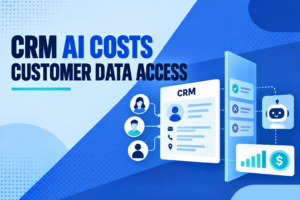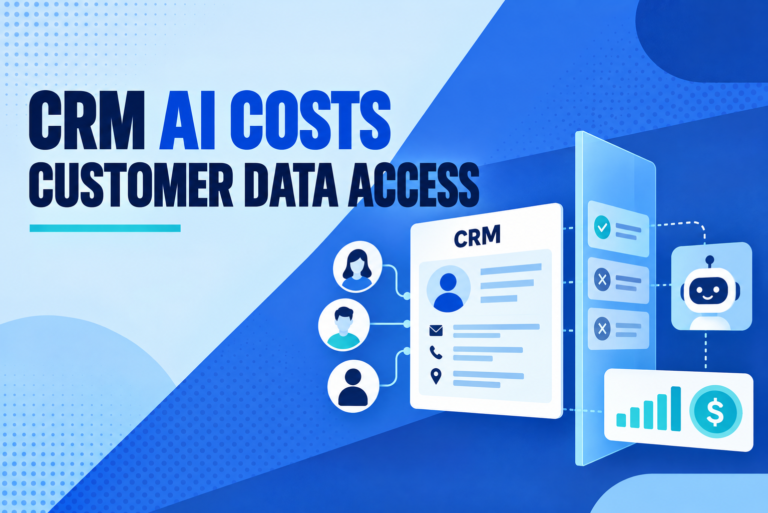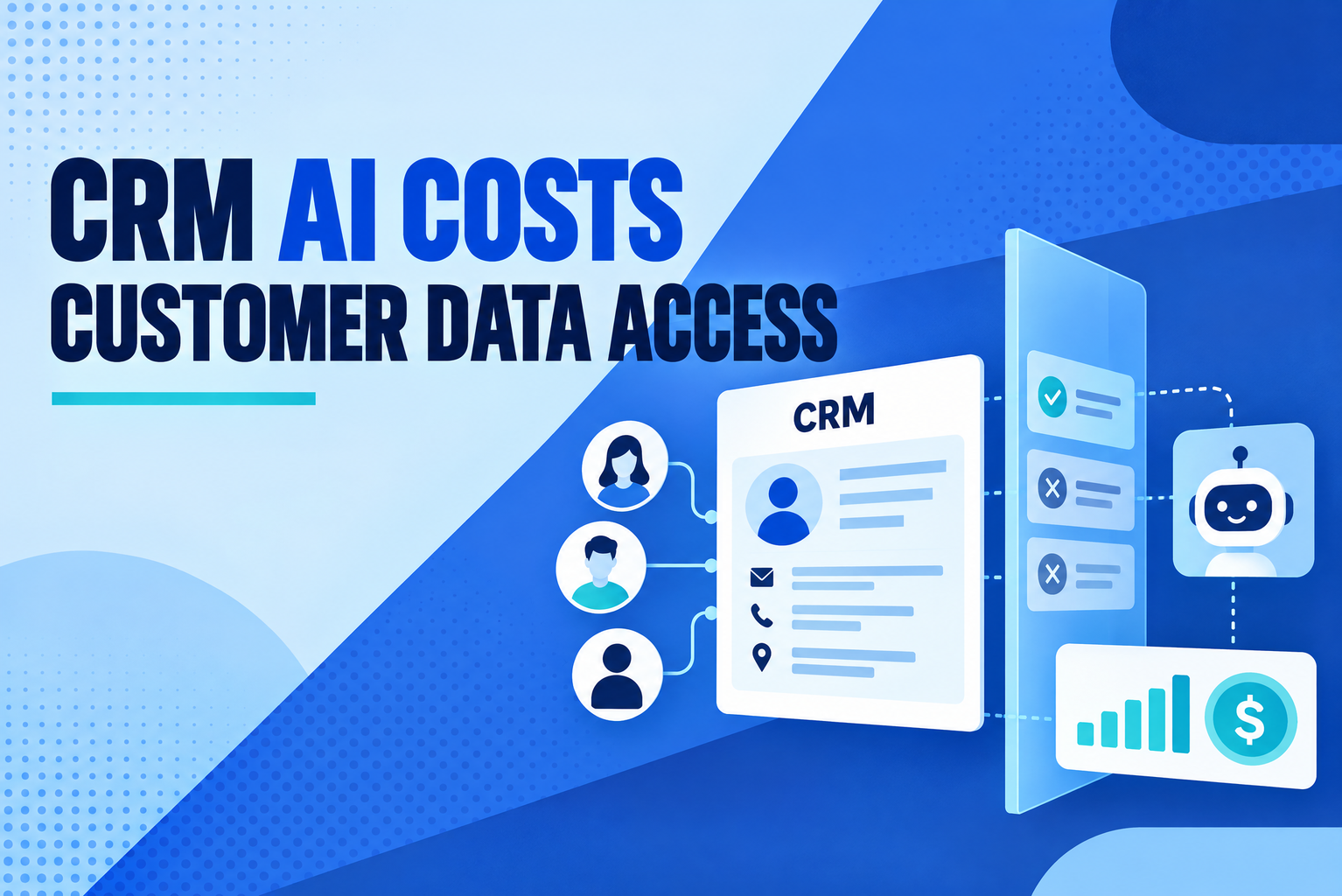
A CRM bill can look predictable until teams turn on an AI agent. One assistant may count each conversation; another may charge for actions, resolutions, or monthly credits. Then there is the less visible question: which customer records can the agent read, and under whose permissions? CRM AI costs and data access are now part of the same buying decision. A low entry price says little if usage is hard to forecast or the agent can see more data than its job requires.
Salesforce and HubSpot show why buyers need to inspect the unit of charge and the data terms separately. Salesforce lists Agentforce pricing by conversation, Flex Credit action, and user license. HubSpot uses credits for certain AI functions, with billing behavior that can depend on account settings and when additional credits were purchased. Both approaches can work. Neither tells a buyer the likely monthly total without a workload estimate.
Why CRM AI costs can be hard to forecast
Charges can reflect task volume and agent design. Buyers need to know what one credit buys, when a charge is triggered, and whether failed or repeated work counts.
Salesforce’s public Agentforce page offers Flex Credits, priced by a pool of credits, and conversation-based pricing. It says an ordinary Agentforce action uses 20 Flex Credits, while voice actions use 30. The page also describes different buying models and a Digital Wallet for tracking usage. That gives a buyer useful inputs, but the final estimate still depends on how an agent is built. A support request that searches an order, checks a policy, and drafts a reply may trigger several actions rather than one simple exchange.
HubSpot’s documentation takes a credit approach for features such as Customer Agent, Prospecting Agent, and Data Agent. Included credits reset each month and unused credits do not roll over. When the monthly allowance is used, behavior depends on whether the account is set to pause, auto-upgrade, or pay for overages. HubSpot notes that the default for additional credit purchases changed on September 16, 2026, so the account’s purchase date and billing configuration matter. A team should check its own settings rather than assume another account’s terms apply.
This is where CRM AI pricing needs a real workload behind it. “We get 5,000 customer inquiries a month” is only the start. How many inquiries reach the agent? How often does it need several tools? What share transfers to a person? Does the vendor charge for a handoff, a completed resolution, or every interaction? Ask for a usage estimate based on the actual workflow, then test it with a small pilot and compare projected use with the invoice.
Ask what counts as billable use
CRM vendors define billable events in different ways, and product names can obscure the detail. A conversation-based fee may be easier to explain to finance, but a long exchange and a short exchange may count the same way. An action-based fee can track work more closely, though a single user request can cause multiple behind-the-scenes actions. Credits provide a pool, but the rate sheet determines how quickly it drains.
HubSpot’s terms distinguish action-based AI features from resolution-based ones. A feature can use credits when it performs an action, while a customer-facing agent may count a resolution after configured criteria are met. Its billing guide also describes monthly limits, automatic upgrades, and pay-as-you-go overages. If a workflow runs repeatedly, a small per-action charge can become a material operating cost.
Salesforce says Flex Credit usage can be monitored through Digital Wallet, and describes alerts to help prevent overruns. But monitoring does not replace a cost owner. Assign someone to review usage by agent, team, and task. Set a monthly ceiling. Decide whether the system pauses, asks for approval, or continues into overage when that ceiling is reached. The right answer depends on whether a pause would affect customer service or whether extra spending is the larger risk.
CRM data access controls deserve equal scrutiny
Pricing is visible on an invoice. An agent that can search a CRM, summarize a case, or update a record needs access to records and fields. The practical question is whether its access matches its task, and whether it follows the requesting user’s permissions.
Salesforce’s published security guidance describes a shared-responsibility model. Salesforce supplies platform controls, while customers configure user permissions, agent actions, and guardrails. Its guidance says internal employee agents can operate in the logged-in user’s context, while external customer agents use a dedicated agent user. It recommends starting that user with minimal permissions and granting only what the agent needs. That distinction matters: an external support bot should not inherit broad employee access just because it sits inside the same CRM.
When evaluating AI in CRM security, ask the vendor and administrator to demonstrate the actual path to data. Can the agent retrieve a record the user cannot see? Does it inherit field-level and sharing permissions? Can a tool update account ownership or export a list? Which integrations receive the prompt or retrieved records? A permissions page is not proof. Test with a low-privilege account and a deliberately restricted record.
There is another issue beyond access inside the CRM: what happens to information sent to an AI model. Salesforce describes controls in its Einstein Trust Layer, including zero data retention with third-party model providers in the covered setup, prompt and response checks, and audit trails. HubSpot’s terms say AI inputs and outputs, including customer data, may be shared with and processed by AI service providers to deliver AI features. HubSpot’s customer terms also say customer data may be used to develop and improve AI features and train models, with an account setting to opt out of model training. These are vendor-specific statements, not interchangeable promises. Read the terms for the exact product, plan, and configuration under review.
Questions to put in the CRM contract review
A CRM customer data privacy review should start with the data map. Identify which fields the agent can retrieve, what gets placed in prompts, which model providers receive it, how long prompts and responses remain available, and who can view logs. Ask whether model training is on by default and where an administrator changes that setting. Confirm how deletion requests, backups, and regional hosting apply to AI features rather than assuming the core CRM policy covers every connected service.
Then review access. Use a separate agent identity where possible, keep its permissions narrower than a human administrator’s, and restrict actions to approved operations. If the agent only needs to draft a response, do not grant permission to send it or alter the customer record. Require approval for sensitive changes, and log the identity, record, action, time, and result. Salesforce’s own guidance puts permission configuration and agent guardrails on the customer side of its shared-responsibility model.
HubSpot’s AI terms place responsibility on the customer to configure AI agents and authorize their access to data, applications, and systems. That makes ownership a procurement question as much as an IT task. Name the person who approves new sources, changes credit limits, reviews access, and responds if an agent acts outside its scope. If responsibility is spread across sales operations, security, and finance, put those handoffs in writing.
A short pilot can reveal both cost and access problems. Choose one bounded job, such as summarizing a support case without sending a reply. Record the baseline: volume, actions per task, credit use, human handoffs, and time saved. Test denied access and unusual prompts, not only the happy path. Then compare the invoice and audit trail with the estimate. Expand only when the numbers and the permissions match what the team approved.
CRM AI costs are easier to defend when every charge maps to a task the business values. CRM data access controls are easier to trust when teams can show, in a live test, that the agent sees only what it needs and cannot take a different action. Before approving a larger rollout, finance, CRM administration, and security should review the same agent design, usage estimate, data terms, and stop procedure.