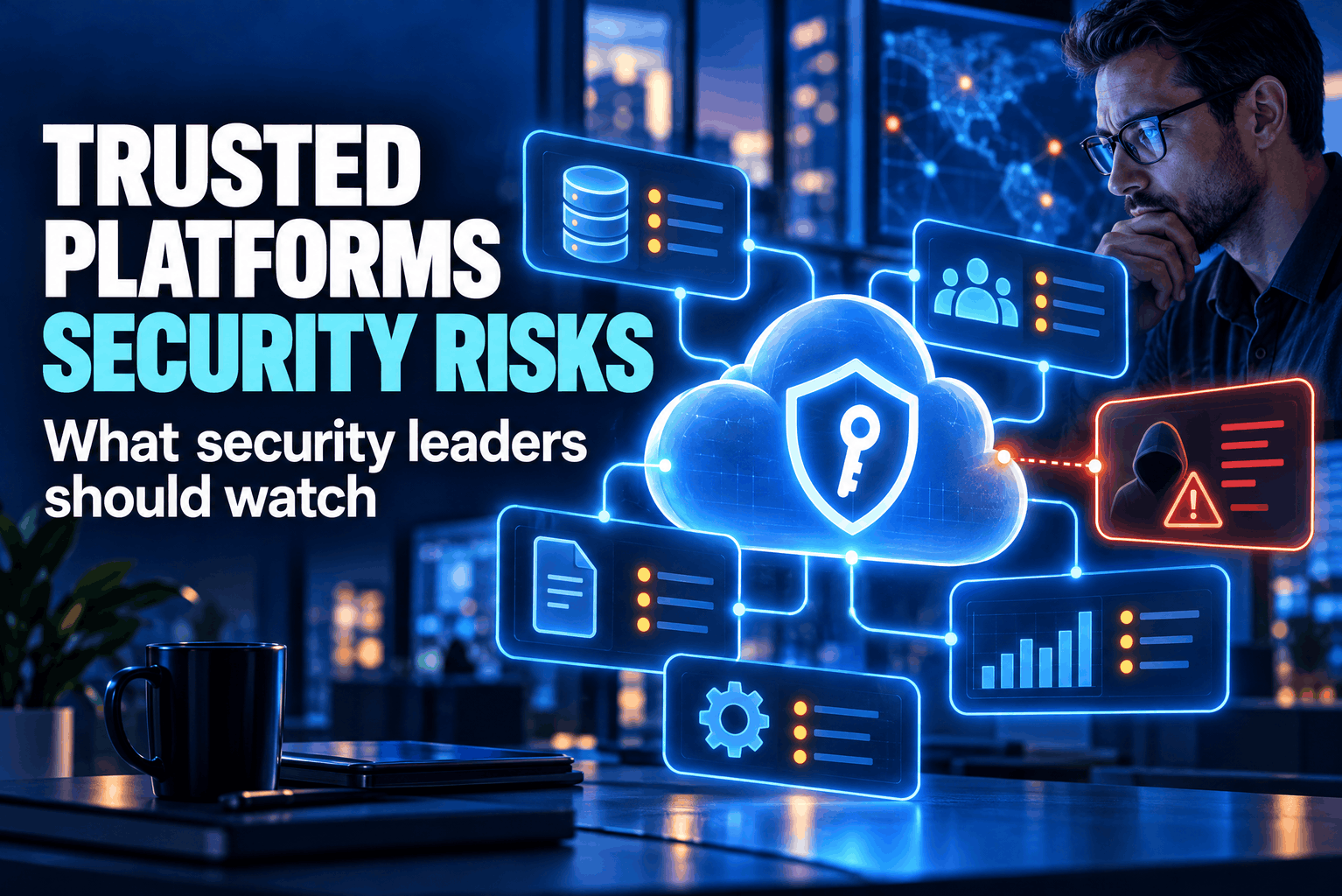
Trusted platform security risks often hide in software employees already use every day. A cloud workspace, customer database or file-sharing service may have passed procurement years ago, yet its settings, connected apps and user permissions can change much faster than the original review. Trust in a familiar name is not the same as proof that the account is still safe.
For security leaders, the question is what a vendor can reach, who can reach it and how quickly the organization would notice misuse. Routine checks matter more than a logo or a stack of certificates.
Why trusted platform security risks deserve a fresh look
A trusted service often sits near valuable information. Staff may store contracts in cloud storage, handle customer records in support software or let a marketing service publish on company channels. One account may hold more access than its user needs.
The service may be sound while an account is not. An employee reuses a password, a contractor keeps access after a project ends, or a plug-in gets broad file and messaging permissions. Attackers can enter through the familiar product without breaking the vendor’s software.
During an investigation, ask not only whether the platform was breached but whether someone used a stolen password, approved a malicious app, changed a forwarding rule or misused an integration. The audit trail may point to an ordinary account.
Trust needs boundaries, not assumptions
A supplier review is not a permanent pass. Products change ownership, features and data practices. Original approvers may leave, while staff add tools through team budgets or free trials without asking security.
Keep a single register of the services teams use, including small add-ons purchased outside central IT. For each entry, record a business owner, technical contact, renewal date and data type. That register helps security find who can answer questions when a vendor changes its terms, reports an incident or ends a product. It also shows where two tools hold the same records.
Map each service to its data and business role. A calendar does not carry the same consequence as payroll or a system with payment details. Ask what stops if the service goes offline and what data could leak after an account takeover.
CISA publishes configuration baselines for Microsoft 365 and Google Workspace through its Secure Cloud Business Applications project. Its tools compare tenant settings with those baselines. Even widely used services need deliberate configuration; a purchase does not set every control for you.
SaaS platform security risks often begin with access
Cloud services make it easy to add users, share files and connect apps. The result can be ownerless accounts, links that never expire and permissions beyond a person’s role. These are common SaaS platform security risks: the service works as set, but the settings no longer fit the business.
Start with identity. Require multi-factor authentication for staff and vendors, especially administrators. Remove accounts when people leave or change roles. Grant only the access needed for each job, and review admin accounts more often. Set device or sign-in rules to fit actual work.
Check connected apps. A scheduling plug-in may request a full mailbox when it needs only a calendar. A reporting tool may keep a token after its installer leaves. Record approved apps, their data access and an owner. Revoke access when the work ends.
Pay attention to tokens as well as passwords. A token can keep an app connected after a user changes their password, depending on the service. Find out where administrators can review active sessions and revoke tokens. Also check whether staff can approve new apps without an administrator. If they can, set a review path for apps that request access to customer records or internal files.
Treat shared links with care. Public access suits a press kit, not an internal folder. Add expiry dates, review public links and name an owner who can identify what a forwarded link exposes.
Third-party platform security and vendor access security
Suppliers may need access to support systems or deliver updates. Limit it by role, time and purpose. Use named accounts, require multi-factor authentication and log vendor sessions. Close temporary access when the support case ends.
Ask whether support staff use the same access channel for every customer or a dedicated account for your organization. Find out how the vendor verifies staff identity before a support session and whether your team can watch or approve that session. A vendor account should not become a standing administrator simply because it was convenient during setup.
Ask how the vendor reports incidents, handles subcontractors, and returns or deletes customer data when service ends. For software, request a component inventory. CISA recommends ongoing supplier checks, vulnerability and patch questions, and component tracking.
Match oversight to the service. An event registration tool needs less scrutiny than a provider with admin access or payment data. Certifications help, but do not show whether a tenant is safely configured or vendor access is still needed. Keep an exit plan.
Watch what the platform does after approval
A yearly questionnaire misses changes between reviews. Name an owner for each important service and track changes to data use, features, subcontractors and contacts. Watch for new admins, unfamiliar app grants and sign-ins from unexpected devices.
Assign someone to check logs for sign-ins, admin actions and app approvals. Alert on changes that could expose data, but skip routine notices no one can act on. Each alert should name the account, action and next step.
Agree on who receives alerts outside business hours and who can lock an account. A notification sent to a shared mailbox with no assigned owner is easy to miss. For key services, test one alert by triggering a harmless change, then confirm that it reaches the right person and includes enough detail to respond.
Test the response before an incident. If a file-service account is taken over, can the team suspend it, revoke sessions and remove connected apps? Who contacts the vendor and tells staff? A short exercise can expose gaps a questionnaire misses.
Include a simple version of the event in a tabletop exercise: an employee reports that a shared folder has been sent to the wrong person, or a vendor reports suspicious activity on a support account. Ask the team to walk through the first hour. The aim is to find unclear handoffs, missing contact details and steps that require access no one has.
For essential services, know which records must stay available, how to export them, who can approve a temporary alternative and how to restore access. CISA says to consider supplier risk across the relationship, not only at purchase.
Make the review fit the service
Use a checklist that fits each service. Record its owner, data, accounts and integrations with access, plus steps for ending the service. Set the review date according to its role and the harm a breach could cause.
Ask the business owner whether the service is still needed. Have IT check identity settings, logs and apps; have procurement or legal check incident notice, data return and subcontractor terms. In a small team one person may cover several roles, but name each decision owner.
This is not about distrusting every supplier. Tie trust to current access, known data flows, clear incident contacts and settings that fit the job. Familiarity can hide a service in plain sight. Regular checks leave time to change a permission, remove an account or end the service cleanly.