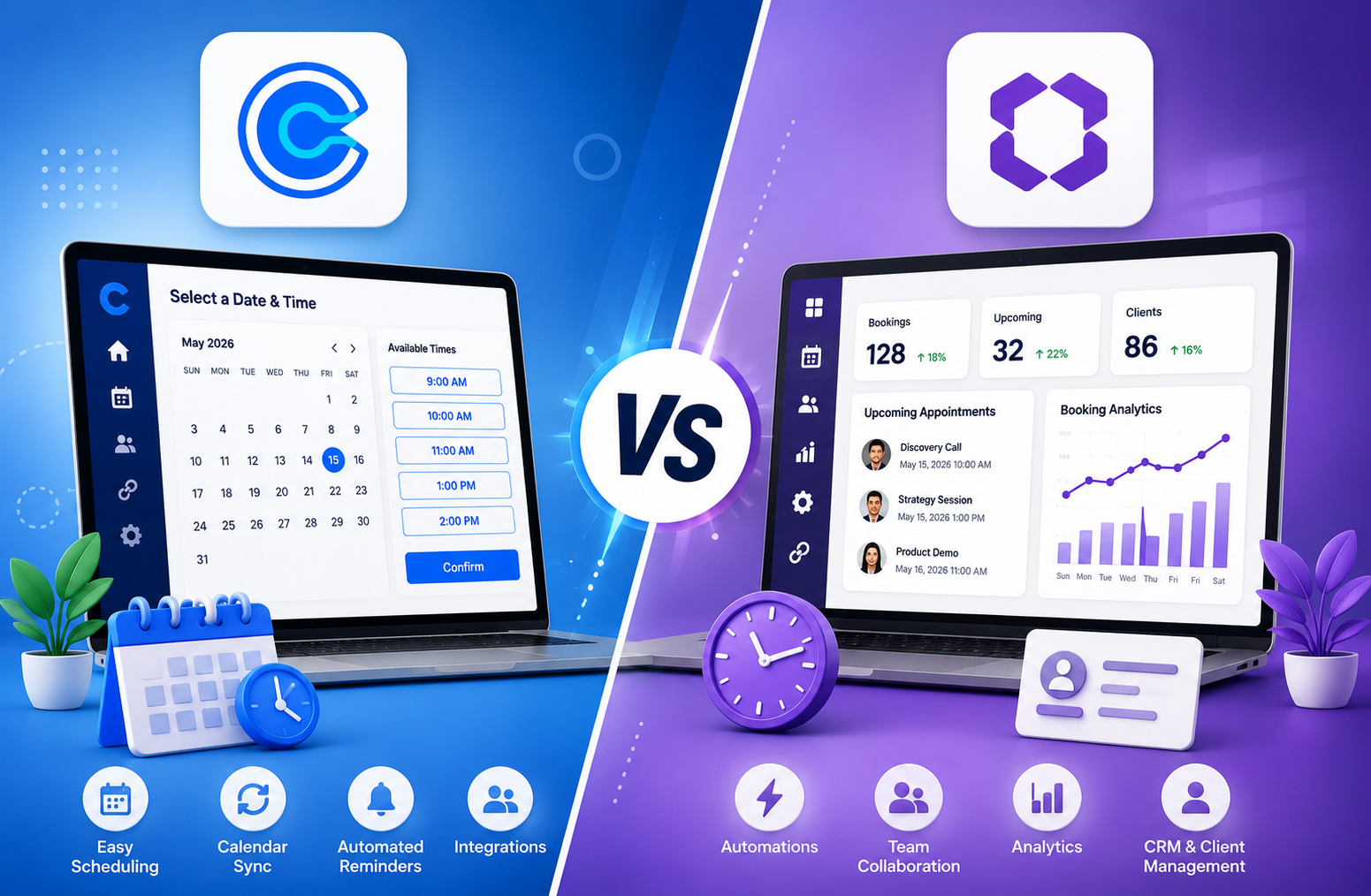
Calendly vs OneHash: two powerful appointment scheduling software tools that are helping professionals and businesses save countless hours in 2026. If you’re tired of back-and-forth emails to schedule a simple meeting, you’re not alone. The right meeting automation tools can dramatically improve your productivity and client experience.
This is where this scheduling software comparison is helpful. Today, let’s dive deep into Calendly vs OneHash (specifically, this is about OneHash’s Cal ID scheduling tool). We will discuss their features, pricing, user friendliness, integrations, automation, and advantages/disadvantages in practical terms to help you determine which business scheduling tool is right for your needs.
Calendly vs OneHash: One is the king of scheduling. Meanwhile, the latter is a growing, value-priced (usually free) competitor designed for teams looking for more without the cost. Let’s parse all that out.
The value of Appointment Scheduling Software in 2026
The most valuable asset you have is time. The modern automated appointment booking software does more than find an open spot; it handles reminders, payments, routing, team coordination, and synchronization with the CRM. As remote work continues to be the norm and AI technology enhances everything, your selection of the right tool can significantly affect productivity and revenue.
US-based professionals and businesses want easy-to-use solutions that integrate with existing applications (Google Calendar, Zoom, Outlook, and more) and can grow with them without costing too much.
Head-to-Head Comparison Table: Calendly vs OneHash (Cal ID)
| Feature | Calendly | OneHash Cal ID | Winner? |
| Pricing (Starting) | Free tier; $10/user/mo (Standard) | Completely Free (Pro features) | OneHash |
| Event Types | Unlimited (paid) | Unlimited (free) | OneHash |
| Team Scheduling | Strong (Round Robin on Teams) | Excellent (Round Robin + Collective) | Tie |
| Integrations | 100+ (strong CRM) | 50+ including WhatsApp, payments | Calendly (edge) |
| Automation & Workflows | Advanced on higher plans | Strong workflows even on free | OneHash |
| Analytics & Insights | Good on paid plans | Embedded team analytics (free) | OneHash |
| Branding Removal | Paid | Free | OneHash |
| Best For | Established teams & enterprises | Cost-conscious teams & SMBs | Depends |
Key Features Breakdown
Calendly Features Calendly remains a polished, professional choice in 2026. Its clean interface makes it easy for anyone to share a booking link and let others pick a time. Key highlights include:
- Smart availability detection for the duration of a couple of calendars
- Automated reminders and follow-ups
- Payment collection through Stripe/PayPal
- Advanced routing office work and lead qualification (especially on Teams/Enterprise)
- Deep integrations with Salesforce, HubSpot, and advertising and marketing equipment
- Mobile apps and browser extensions for on-the-go scheduling
It’s particularly strong for income and patron achievement groups that need company-grade reliability and CRM syncs.
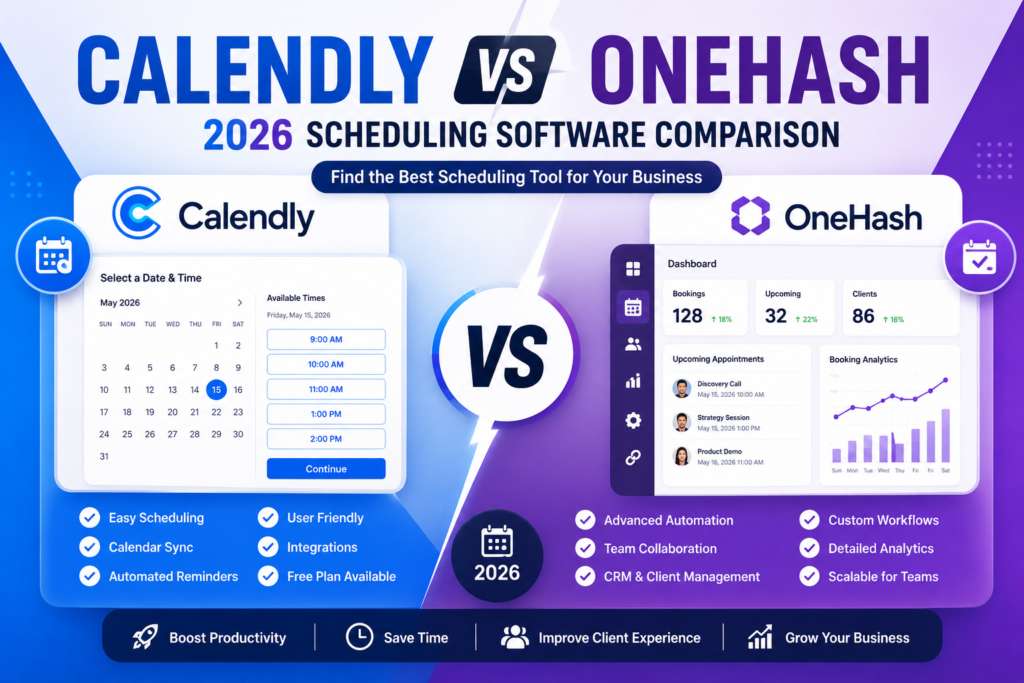
OneHash Cal ID Features: OneHash’s Cal ID positions itself as the ultimate Calendly alternative, and it delivers on that promise for many users. Built with a focus on being generous with loose skills, it shines in:
- Unlimited access to the entirety of the unfastened plan: occasion types, team members, calendars
- Round-robin and collective scheduling
- Dynamic group hyperlinks and routing bureaucracy
- Multi-channel reminders (email, SMS, WhatsApp)
- Strong analytics and insights dashboard
- Seamless integrations with video gear, bills, and extra
- Clean, personalized booking pages (yourname.Cal.Id)
Many customers love how it feels more contemporary and much less restrictive right out of the gate.
Pros and Cons
Calendly Pros:
- Extremely polished user experience
- Excellent ecosystem of integrations, especially with major CRMs
- Trusted by millions with strong enterprise security and compliance
- Reliable performance at scale
Calendly Cons:
- The free plan is very limited (only 1 event type)
- Pricing adds up quickly with multiple users
- Some advanced automation and team features are locked behind higher tiers
OneHash Cal ID Pros:
- Extremely generous free plan, with many Pro-level features at $0
- Great value for growing teams and small businesses
- Strong automation and team scheduling capabilities
- Modern features like WhatsApp integration
OneHash Cal ID Cons:
- Newer player compared to Calendly (smaller user base in some regions)
- May require more initial setup for complex enterprise needs
- The integrations library is growing, but not as vast as Calendly’s yet
Pricing Comparison in 2026
Calendly Pricing:
- Free: Basic use (very limited)
- Standard: $10 per seat/month (billed annually)
- Teams: $16 per seat/month (billed annually)
- Enterprise: Custom (starts around $15k/year)
OneHash Cal ID Pricing:
- Free Plan: Extremely generous with unlimited core features
- Pro upgrades or advanced support available at competitive rates (often with promotional free periods)
For most small to mid-sized US businesses, OneHash offers significantly better cost savings, especially if you’re starting or have a team of 5–20 people.
Which One Should You Choose?
Choose Calendly if:
- You need deep enterprise integrations and compliance
- Your team already lives in Salesforce or HubSpot
- Brand reputation and polish are top priorities
- You’re okay investing in a proven platform
Choose OneHash Cal ID if:
- You want maximum features without the monthly fees
- You’re a small business, freelancer, recruiter, or growing team
- You value WhatsApp reminders and flexible team scheduling
- Budget is a major factor in your decision
Many users in 2026 are starting with OneHash Cal ID for its free power and only switching to Calendly if they need very specific advanced enterprise capabilities.
Calendly vs OneHash in 2026
There’s no universal winner in this scheduling software comparison; it depends on your priorities. Calendly wins for polish, ecosystem, and enterprise readiness. OneHash Cal ID wins hands down for value, the generosity of the free plan, and accessibility for business scheduling tools.
For most US small businesses and professionals looking to cut costs while gaining powerful meeting automation tools, OneHash Cal ID is the smarter pick right now. Test both; most people are surprised by how capable the free OneHash option has become.
Ready to simplify your scheduling? Start with a free account on OneHash Cal ID or Calendly today and see which feels better for your workflow.