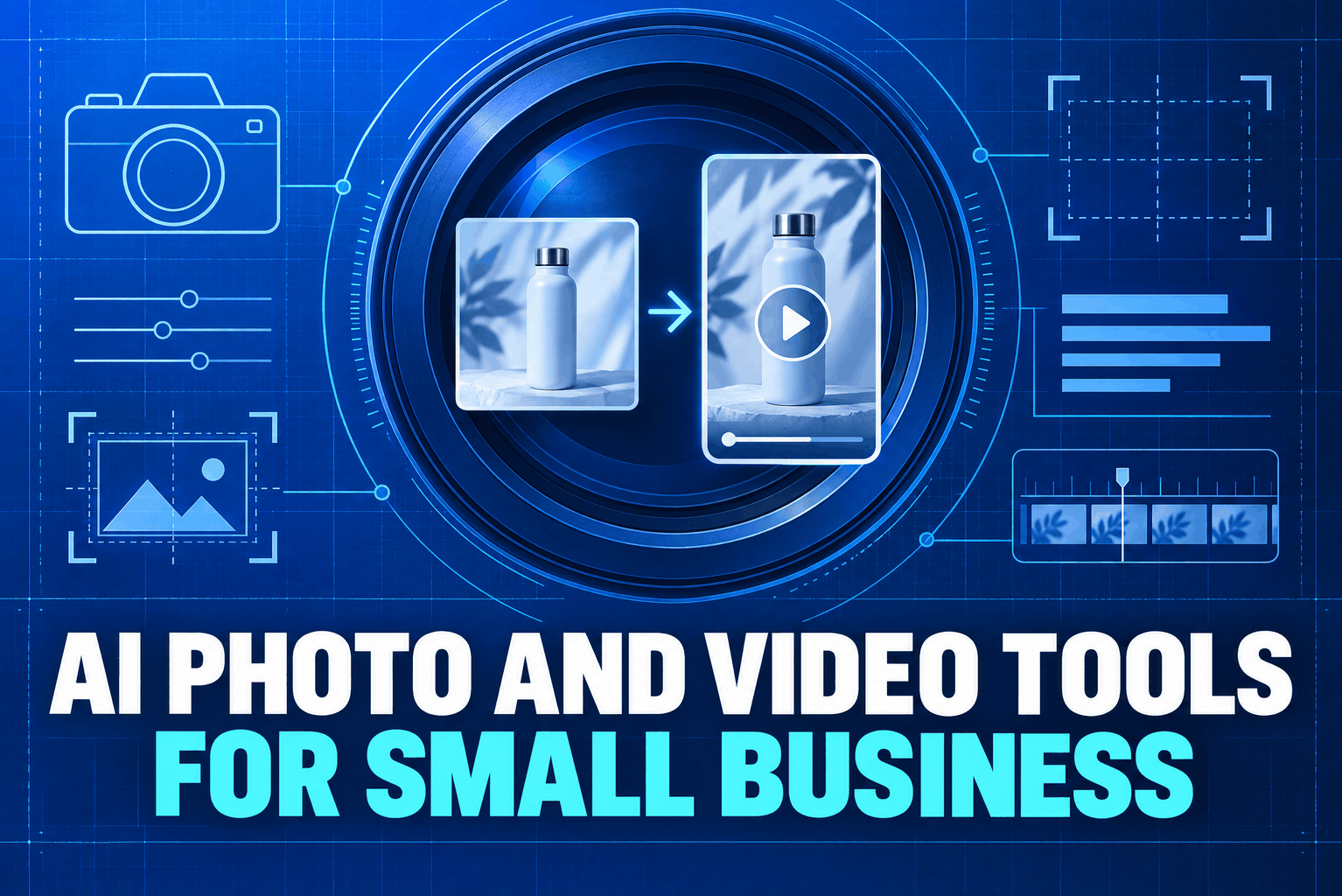
A bakery owner has one decent photo of a new cake, shot near the back door between orders. A local salon has a phone video of a stylist demonstrating a curl routine, but the lighting shifts halfway through. AI photo and video tools can help clean up, crop, caption and reshape those real materials into usable marketing assets. They work best when they add polish to something true, not when they invent a product or customer experience that never existed.
What AI photo and video tools can do for a small business
Most tools fall into two broad groups. Editing features adjust material you already have: remove a distracting background object, balance lighting, extend a photo for a vertical layout, clean up audio or generate captions. Generation features create new material from text prompts or reference images, such as a background scene, a short animated clip or a product concept.
That difference matters. If a shop sells handmade candles, editing a photo to remove clutter around the jar is different from asking an image generator to create a candle with a taller glass, a different lid or a larger wax fill. The first makes the existing product easier to see. The second may mislead someone about what will arrive.
A business does not need a studio workflow to make use of these features. Start with a current photo, a short demonstration, a useful tip or an answer to a question customers ask often. Then decide what needs fixing: the image is too dark, the background is messy, the clip is long, the framing is horizontal, or the spoken explanation needs captions. A clear task usually produces a better result than a broad request to “make it look professional.”
Use AI photo editing for businesses without changing the product
Small shops can often polish an existing photo before generating a new one. Remove visual clutter from the edges. Correct the colour cast from indoor bulbs. Make the item larger in the frame. Create a square crop for a catalogue and a vertical crop for a story. Keep the original file so the edit can be compared with the source.
For a ceramics maker, a simple sequence might be: photograph the finished mug beside a ruler or familiar object for scale; brighten the image; remove a distracting mark on the table; then use the same background and crop for a small product collection. The glaze, handle, dimensions and natural imperfections should remain visible. A spotless synthetic image that erases handmade variation can make the real item feel like a disappointment when it arrives.
Generated backgrounds can help with seasonal campaigns, but separate the scene from the item. A winter table or garden setting can make a product photo more interesting, provided the generator does not alter the item itself. Check the shadow, reflections and edges. If the object seems to float or its handle bends into the table, buyers may notice before they read the caption.
Google Merchant Center requires a main product image to accurately display the product. Its product feed rules also require generative-AI images to retain metadata identifying their AI origin. That applies to listings submitted through that service, not every image posted on every channel, but it is a good reminder to check the requirements of each place where an image will appear.
Turn one useful clip into short video
A phone video does not need a cinematic opening. It needs a point. Show the item, explain one benefit, answer one question or demonstrate one step. AI video tools for small business can help trim pauses, balance audio, add captions, reframe a horizontal clip for vertical viewing, or create a simple voiceover from an approved script.
Imagine a repair shop filming a mechanic replacing a bicycle brake pad. The first version may include a few seconds of setup and an unclear shot of the part. An editing tool can tighten the opening, add labels for the steps and bring the final result into view. The business owner still checks that the repair shown is accurate and that the captions match what the mechanic said.
Generated video can fill gaps when filming is difficult. It may create a simple animated diagram, a product backdrop or a short abstract transition. Use it carefully when a clip depicts a real person, place or event. YouTube, for example, asks creators to disclose realistic altered or synthetic content that a viewer could mistake for real; it does not require disclosure for every use of AI, such as scripts, ideas or captions. That is a platform rule, so check the current policy wherever the clip will be posted.
Do not use an invented presenter to claim they bought, used or loved a product. A fictional character can introduce a clearly scripted explainer, but a testimonial implies a real experience. Advertising guidance also expects claims and endorsements to be truthful; a generated face does not make an unsupported claim harmless.
Build AI marketing content from a real brief
The tool needs useful inputs. Before opening an app, write a short brief with the item or service, the audience, the one point the asset should communicate, the destination channel and anything that must not change. Include verified details such as sizes, ingredients, materials, appointment terms or current prices. If a fact is missing, leave it out rather than asking the model to guess.
For example: “Create three vertical image concepts for a new ceramic travel mug. Keep the mug’s shape, handle, glaze and lid exactly as shown in the reference photo. Use a simple commuter setting. Do not add steam, a logo, a second cup or claims about heat retention. Leave open space at the top for a headline.” That prompt gives the editor a clear boundary and gives the reviewer a list of details to inspect.
Keep the source photo, prompt, selected output and final edited file together. Add a note if a background or scene is synthetic. That record makes it easier to repeat a successful treatment next month, and it helps answer questions if an output looks different from the real product.
Adobe says its Firefly models are trained on licensed and public-domain material and describes its own commercial-use approach. Its user guidelines also warn that generated outputs may be inaccurate or misleading and say users should validate them. Those are Adobe’s statements about its products; they do not establish what another tool permits. Read each provider’s terms, especially rules for commercial use, uploaded references, model training and rights to use a recognizable person or brand.
Plan Small business content marketing around real questions
AI can help a small team publish more often, but a larger pile of posts is not automatically more useful. Start with the questions customers already ask: How does this fit? How long does setup take? What should someone bring to an appointment? What changes between the basic and premium service? Each answer can become a short video, a product photo with a clear caption or a short answer-led post.
A single demonstration can produce several versions. Keep the full recording as the source. Make one short clip showing the main step, another focused on a common mistake and a still image with a product detail. Ask the tool to change the crop or remove a pause, not to add features or results that were never shown. A person who knows the work should check each version before publication.
Do not let a generator flatten the voice of the business. If every caption sounds like a broad sales pitch, customers lose the detail that made the shop worth following. Give the tool examples of the phrases the owner uses, a list of claims that need proof and a few words the brand avoids. Then edit the draft so it sounds like a person who knows the service, not a template.
Choose AI content creation tools by the job, not the demo
One app may combine image editing, video cleanup, voice generation, templates and social scheduling. That convenience is useful only if the features fit the work. Before paying, test a sample photo and clip through the exact steps the business expects to use. Check output quality on a phone, where most customers will see it. Look for export limits, watermarks, commercial-use terms, file ownership, privacy settings and whether source quality survives multiple edits.
Price the whole workflow, not just the monthly plan. A low-cost tool can become expensive if it requires several paid add-ons, uses credits for every revision or exports files that need another app to repair. A one-person shop may be better served by a simple editor that reliably crops and captions than by a large suite with features no one has time to learn.
Also test how the tool handles a failed request. Does it quietly change the product? Does it invent a logo or a price? Can the owner undo an edit? Adobe’s Content Credentials describe how metadata can record that media was generated or changed with AI, though the information is only useful when it remains attached and the destination platform can read it. Keep original files and do not strip provenance metadata from images submitted to services that require it.
Check the finished asset before it goes live
A quick review catches problems that a prompt will not. Compare the image with the actual product. Check labels, packaging, colours, hands, reflections and background details. Watch the video with sound off to see whether captions make sense. Then listen once without looking at the screen; auto-captions often mishear product names, numbers and specialist terms.
Read every factual claim out loud. “Made locally,” “waterproof,” “clinically tested” and “lasts all day” are not decorative phrases. They tell the buyer something that should be supported. Advertising guidance from the FTC says claims must be truthful, not deceptive and evidence-based, with extra rules for some product categories. Applicable requirements differ by market and platform, so regulated products deserve a closer review before launch.
Look at the finished clip on a small screen. Is the product visible before the viewer scrolls? Are subtitles large enough? Does the call to action tell someone what to do next? If the story only works with sound, add captions. If a synthetic scene could be mistaken for real footage, check the posting platform’s disclosure rules and label it where needed.
Start with a small, repeatable test
Choose one asset the business already needs, such as a product listing image or a 20-second service demonstration. Save the unedited original. Use the tool for one job, compare the final result with the source and ask a colleague or a few customers whether anything looks confusing or inaccurate. Record editing time, revisions and any factual corrections, not just the number of files produced.
Keep the version that helps customers understand the offer. Delete or revise the one that changes a detail, creates a false impression or takes longer to fix than to make by hand. Once the process works on a single image or clip, reuse the brief and review steps for the next piece of AI marketing content.