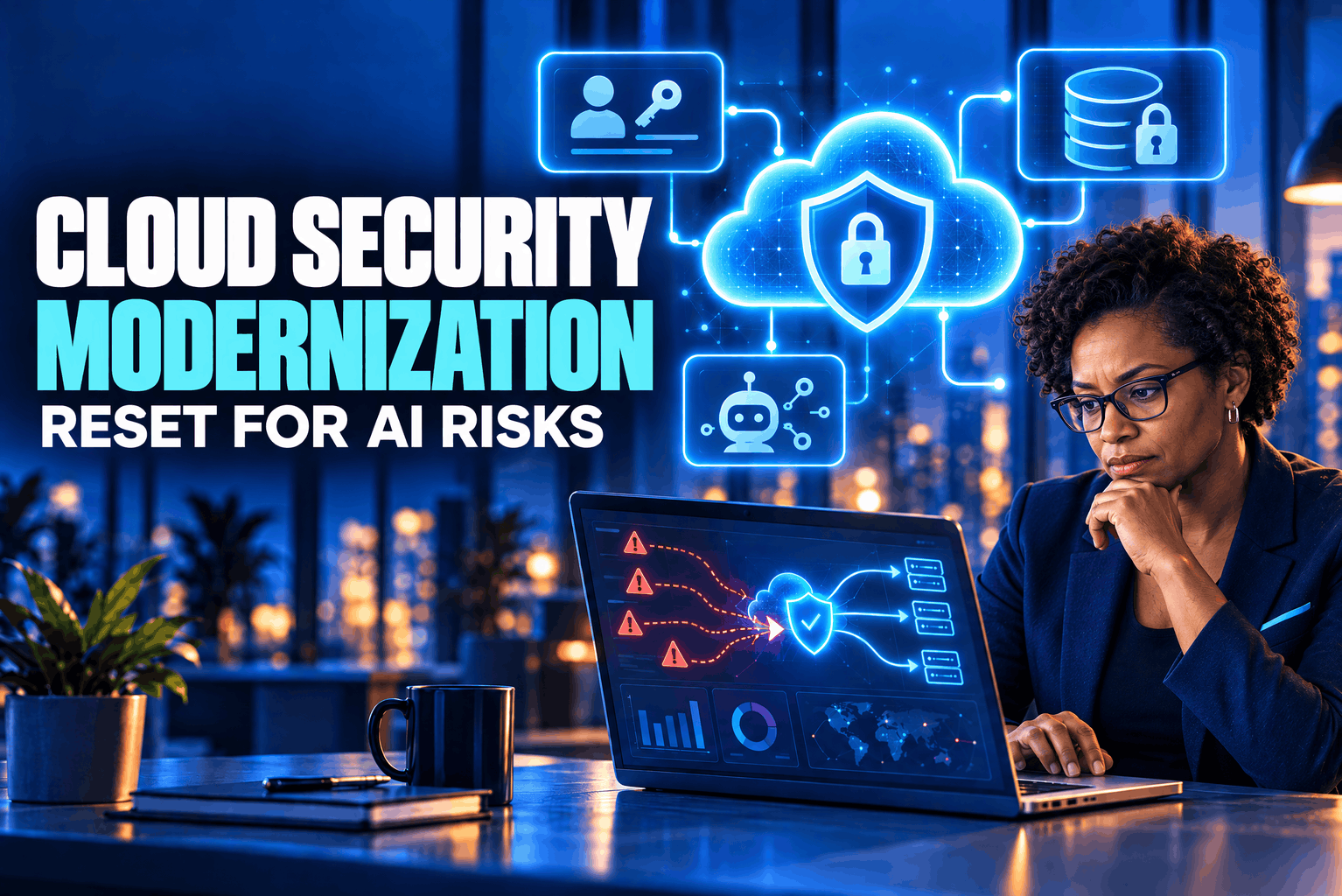
A cloud migration can move an application without fixing the security assumptions built into it. Cloud security modernization is the chance to revisit those assumptions before AI services, data pipelines, and autonomous agents add new paths into the environment. The work is not just moving servers. It means deciding who and what can access data, how workloads communicate, and how quickly a team can detect and contain a bad action.
That reset matters because older controls often assume a person initiates each task and a system responds in a predictable way. AI-enabled services can call other services, retrieve documents, create content, or take actions through tools. The protections need to cover the full chain, not just the model endpoint.
Why cloud security modernization now includes AI risks
The traditional cloud security concerns still apply: exposed services, over-permissioned accounts, vulnerable software, misconfigured storage, and weak recovery plans. AI adds new trust boundaries. A prompt can contain untrusted instructions. A retrieval system can feed a model material that was never meant to guide its behavior. An agent can use a connector or API to do more than return text.
The AI security risks depend on what the system is allowed to do. A public chatbot that answers questions has a different exposure from an internal assistant that searches confidential files. A tool-using agent that can update customer records or run cloud commands needs tighter limits still. AWS’s AI Security Scoping Matrix separates use cases by how much of the model and data an organization controls, while noting that core security disciplines such as identity, data protection, privacy, application security, and threat modeling remain relevant across them.
This is why AI cloud security cannot be treated as a model-setting problem alone. The application, retrieval sources, identities, APIs, logs, cloud accounts, and human approvals all shape the risk. A model’s built-in safety filters may help, but they do not replace network boundaries, permission checks, or code that validates a requested action.
Begin cloud security modernization with an inventory
Start with a practical inventory. List the applications, cloud accounts, data stores, service identities, AI endpoints, models, SaaS tools, and third-party connections in use. Include experiments that teams launched without a formal review. An untracked AI service can receive sensitive material just as easily as an approved one if staff can reach it from work devices.
Map the data paths as well. For each AI feature, ask what information enters prompts, what the system retrieves, where results are stored, and which tools can receive the output. Include logs and observability platforms in the map. A prompt may contain customer information even when the model does not retain the conversation in the way a user expects; logs, traces, and debugging tools can create a separate copy.
CISA’s SCuBA project offers one concrete pattern for cloud software: it publishes secure configuration baselines for Microsoft 365 and Google Workspace and assessment tools that compare tenant settings with those baselines. That project is specific to those services, but the broader lesson is useful: turn security expectations into checks that can be repeated, rather than relying on someone to remember every setting during a migration.
Rebuild identity around tasks, not just users
Human users are only part of the access picture. Cloud security modernization must account for service accounts, application identities, API keys, and increasingly agent identities. If these identities share broad permissions or long-lived credentials, one compromised service can reach more than its job requires.
Separate identities by workload and task. Give each service only the permissions it needs, and remove access when the task ends. Prefer managed identities or short-lived tokens over secrets copied into configuration files. Keep development, testing, and production permissions distinct. Review stale identities during the migration, not six months after launch.
Treat an AI agent as a separate workload identity, not as a person with a permanent administrator account. It should have a clearly defined purpose, a limited set of tools, and a way to revoke its access. Require human approval before it changes access controls, sends external data, deletes records, or makes other high-impact changes. Microsoft’s Azure guidance, for example, recommends managed identities, scoped role assignments, and human review for critical AI operations.
This is a central part of a usable cloud security strategy: the identity system must reflect what an application or agent can actually do. A prompt saying “do not send this file” is not an access control. If the agent’s token can read and transmit the file, a software policy or workflow gate must enforce the restriction.
Protect data where models and applications meet
Classify the information an AI service can access. Separate public material from internal and highly sensitive data, then make retrieval permissions match the person or service making the request. A search index should not quietly grant an assistant access to every document in a shared drive simply because it is convenient to connect.
Keep untrusted content separate from system instructions. A retrieved web page or uploaded document may contain hostile text that tries to redirect the model. OWASP describes direct and indirect prompt injection as inputs that can alter an AI application’s behavior, potentially leading to sensitive data exposure, unauthorized tool use, or harmful actions. Filtering can reduce risk, but OWASP cautions that no foolproof prevention method is established. Design the application so a successful manipulation cannot automatically cross into privileged systems.
Use deterministic checks for actions that matter. Validate the requested operation in application code, restrict which tools the model can invoke, and check the user’s permissions at the moment of execution. Scan inputs and outputs for sensitive information where appropriate. For high-risk actions, pause the process for a person to review the exact change rather than asking the model to approve its own work.
Data protection also includes the model supply chain. Record which model, library, plugin, connector, and dataset a workload uses. Pin versions where practical and review changes before a production deployment. If a team changes a model or adds a new retrieval source, rerun security tests; a small configuration change can shift what information the application exposes.
Build guardrails into the cloud landing zone
A secure landing zone gives teams a safer starting point for new and migrated applications. It is also where cloud security modernization turns policy into repeatable defaults. Define account or subscription boundaries, network rules, encryption settings, logging destinations, administrator roles, and approved regions or services. Encode those settings as policy or infrastructure templates where possible, then test for drift after deployment.
Private network access can reduce exposure for model endpoints and data services. Separate public entry points from internal components, and avoid leaving administrative interfaces open to the internet. Microsoft’s Azure AI guidance recommends private endpoints for certain AI services, managed network isolation, scoped access controls, and diagnostic logging. The exact controls depend on the provider and service, so translate the principle into the equivalents supported by each environment rather than copying one vendor’s settings blindly.
The landing zone should also define how teams request exceptions. A policy that blocks every new service without a review path often leads to shadow deployments. A better process records the business need, data involved, owner, risk decision, and expiration date for any exception. Then the security team can revisit it when the workload changes.
Use cloud security posture management as a continuous check
A migration assessment is only a snapshot. Configuration changes after launch, and cloud environments can drift as teams add services, test integrations, or respond to incidents. Cloud security posture management tools can help discover assets, identify exposed resources, compare settings with policy, and show relationships between permissions and workloads. They are useful when findings have named owners and a clear path to remediation; a dashboard full of unassigned alerts is not control.
Bring AI services into the same view. Track approved and unapproved AI endpoints, the models in use, the identities that call them, and the data sources they can reach. Microsoft describes AI workload discovery, AI bills of materials, security recommendations, and attack-path analysis as parts of its Azure security tooling. These are vendor-specific features, but the inventory questions apply across providers.
Centralize logs from cloud control planes, applications, model gateways, identity providers, and data services. Record who made a request, which identity acted, what tool was called, and whether a human approved the action. Protect logs from alteration and avoid writing secrets or unnecessary personal data into them. Alert on patterns that matter, such as a service account suddenly reading a large volume of files or an agent calling a new external endpoint.
CISA’s SCuBA assessment tools show how baselines can be checked repeatedly in supported SaaS environments. For infrastructure and AI services, use the provider’s native posture tools or an independent platform, but test whether it sees the assets and relationships your teams depend on. Coverage gaps matter more than a high-level score.
Design response for automated actions
A cloud security modernization plan needs a response path to stop both the compromised workload and the authority it uses. Prepare procedures to disable a service identity, revoke tokens, block a model endpoint, quarantine a data connector, and preserve relevant logs. Test those steps in exercises. If the only person who knows how to shut down an agent is unavailable, the response plan is incomplete.
Automation can help sort alerts or gather evidence, but avoid letting a detection model make irreversible changes without checks. Start with low-risk actions such as opening a ticket or isolating a test resource. Add broader automation only after measuring false positives and confirming rollback procedures. Keep human approval for actions that affect production data, customer access, or business continuity.
Use adversarial testing before launch and after material changes. Test whether the model follows malicious instructions hidden in retrieved files, whether it can access records outside the user’s permissions, and whether a compromised connector can trigger an action. OWASP recommends least privilege, clear separation of untrusted content, human review for high-risk operations, and regular attack simulations as mitigations for prompt injection.
Plan cloud security for AI workloads during each migration
As part of cloud security modernization, map an application’s dependencies before changing routes or access policies. Identify which systems exchange data, what service accounts they use, and which users rely on each connection. A lift-and-shift move can carry an old trust relationship into a new cloud account unchanged. Modernization gives the team a chance to remove unused interfaces and narrow traffic to what the application needs.
Decide which controls belong to the provider and which remain with the organization. That line changes between a third-party AI application, a managed model service, and a model deployed or trained by the organization. AWS’s scoping matrix uses these different levels of model ownership to frame responsibilities and security work. Record the boundary in the architecture diagram and operational runbook so incident responders know who can act on each layer.
NIST’s AI Risk Management Framework is voluntary, and its generative AI profile is intended to help organizations identify risks specific to generative AI and choose actions that fit their goals. Use it alongside cloud security controls, not instead of them. A risk register can connect each AI use case to its owner, data class, permitted actions, tests, and response procedure. Review it when the model, data source, or business purpose changes.
A practical cloud security modernization program does not need to rebuild every system at once. Start with workloads that handle sensitive data or allow AI to take actions. Fix identity and logging gaps first, add guardrails to the landing zone, and test the exit and recovery procedures. Keep the scope small enough that teams can verify each change before the next workload moves.
FAQs
What does cloud security modernization mean?
It means updating cloud architecture, identity, data protection, monitoring, and response controls as workloads change. For AI systems, it also means tracking models and data sources, limiting agent permissions, and testing how the application handles untrusted inputs.
What are the main AI security risks in cloud environments?
Common concerns include excessive permissions, sensitive data exposure, prompt injection, unsafe tool use, untracked AI services, and weak visibility into model or agent activity. The risk depends on the data the system can reach and the actions it can perform.
How should teams secure cloud security for AI workloads?
Inventory the workload and its data paths, use least-privilege identities, isolate services where appropriate, log model and tool activity, validate actions in application code, and require human approval for high-impact operations. Test the controls against realistic attack scenarios before production use.