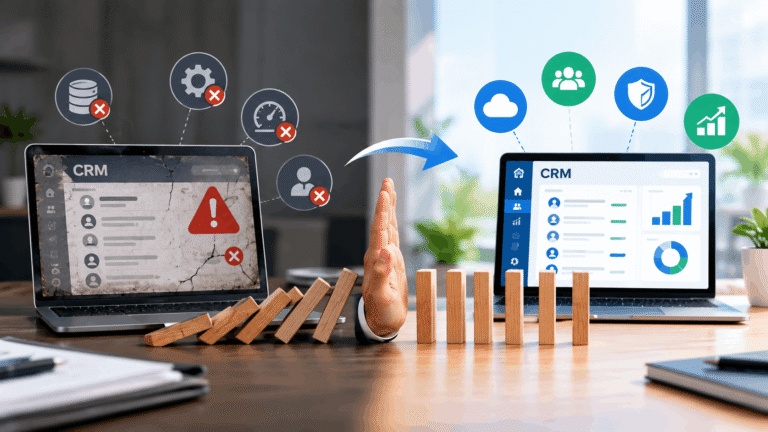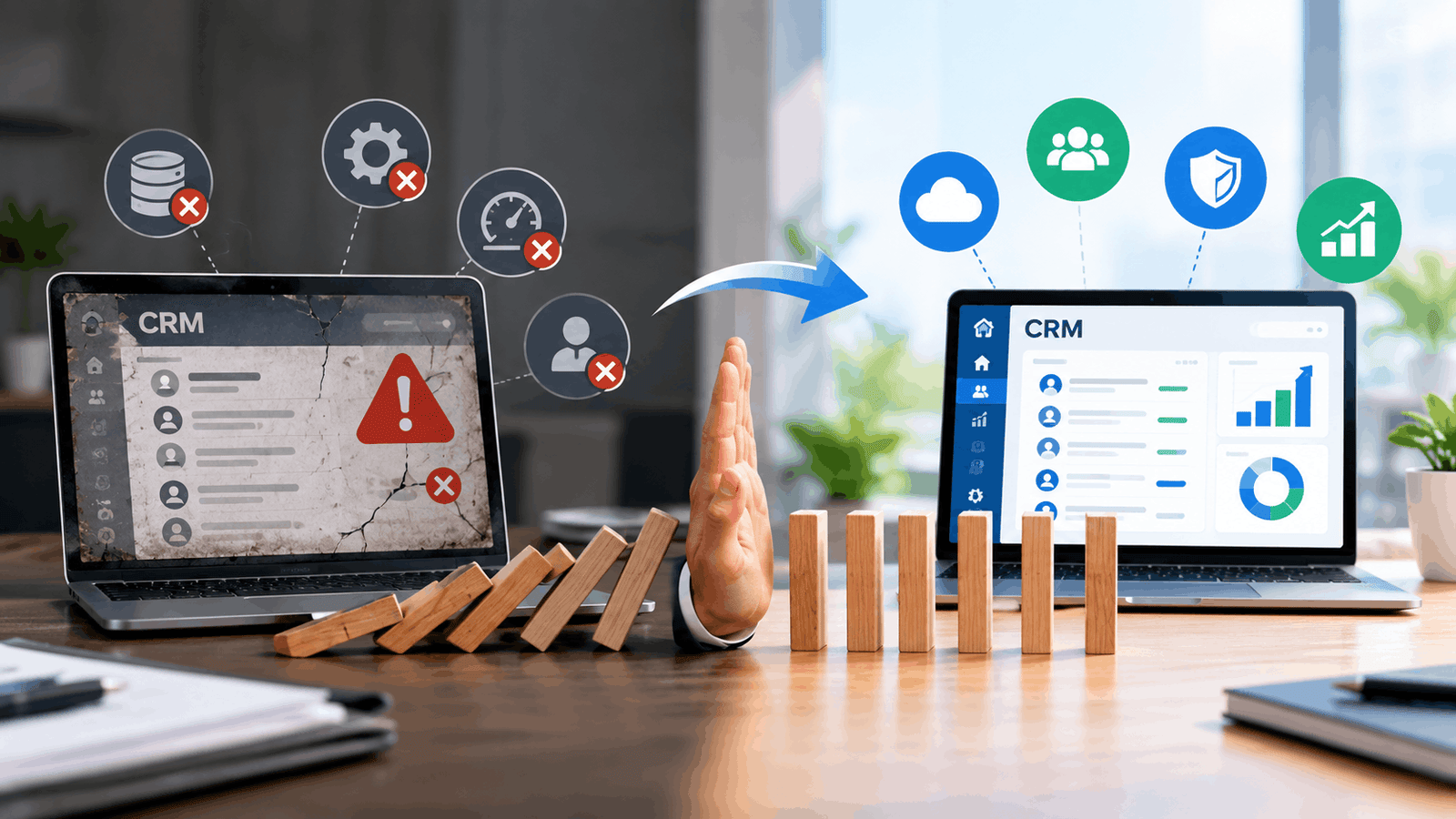
A sales director opens her CRM. It takes forty seconds to load. She clicks on a customer record. Another thirty seconds. The notes field is empty. The last activity was logged eight months ago. She closes the tab and opens a spreadsheet instead. That’s a legacy CRM failure in action. Not a dramatic crash. Not a headline-making outage. Just quiet, daily dysfunction that pushes people away from the system you spent millions on.
Legacy CRM problems rarely announce themselves. They accumulate. Slow load times. Missing data. Workarounds that become standard practice. Eventually, the CRM becomes a reporting tool nobody trusts and a system nobody uses.
Here’s how to spot the warning signs and fix them before they sink your customer relationships.
What legacy CRM failures actually look like
CRM failures don’t always mean the system goes down. They show up in smaller ways first.
Sales reps keep their own spreadsheets. Customer data lives in email threads. Support tickets reference information that doesn’t match what sales has. Marketing sends campaigns to people who already unsubscribed.
The CRM exists. People just stop using it.
Outdated CRM systems create these patterns. They were built for a different era. Different sales processes. Different customer expectations. Different channels.
When the system can’t keep up, people work around it. Those workarounds become the real process. The CRM becomes a graveyard of half-entered data.
That’s the failure. Not the technology breaking. The people abandoning it.
Strategy 1: Audit what you actually have
You can’t fix what you don’t understand.
Start with a data audit. How many customer records exist? How many are duplicates? How many have missing fields? How many haven’t been touched in a year?
Most organizations find that 20-40% of their CRM data is unusable. Duplicates. Incomplete records. Contacts who left their companies years ago.
That audit tells you something important. The problem isn’t just the software. It’s what’s inside it.
CRM challenges often start with data quality. Fix that first. Clean records. Merge duplicates. Archive dead contacts. Establish rules for what gets entered and when.
Without this step, any migration or modernization just moves the mess to a new system.
Strategy 2: Talk to the people who use it
I’ve never seen a CRM failure that surprised the sales team.
They knew. They’d been complaining for years. Nobody asked.
Before you plan any fix, talk to the people who live in the system every day. Sales reps. Support agents. Marketing coordinators. Ask them three questions:
What do you hate about the current system?
What workarounds have you built?
What would make you actually use it?
The answers will tell you more than any vendor demo.
One company I worked with discovered their sales team had built an entire parallel tracking system in Airtable. The CRM had become a place to log activity for compliance. The real work happened elsewhere.
You can’t fix that with a better dashboard. You fix it by understanding why people left.
Strategy 3: Decide between migration and modernization
CRM system migration and CRM modernization are different paths.
Migration means moving to a new platform. New vendor. New interface. New everything.
Modernization means improving what you have. New integrations. Better workflows. Cleaner data.
Both can work. Both can fail.
Migration makes sense when the current system is truly beyond saving. When the vendor no longer supports it. When the architecture can’t handle your needs.
Modernization makes sense when the core system works but the surrounding processes don’t. When the data is salvageable. When people just need better tools within the existing platform.
The wrong choice costs time and money. Migration is disruptive. It takes months. It requires training. It risks data loss.
Don’t migrate just because the system feels old. Migrate because the system can’t do what you need.
CRM best practices start with honest assessment. What’s actually broken? What just needs better configuration?
Strategy 4: Fix the process before the technology
Here’s a pattern I see constantly.
Company buys new CRM. Spends six months implementing. Trains everyone. Launches with fanfare.
Three months later, adoption is terrible. Same problems as before.
Why? Because they changed the tool without changing the process.
The old CRM failed because reps didn’t log activity. The new CRM has the same problem. The old system had messy data. The new one inherits it.
Technology doesn’t fix behavior. Process does.
Before you change systems, fix how work gets done. Define what data must be entered. When it gets entered. Who owns each field.
Create accountability. Sales managers review CRM data in their one-on-ones. Support leads check ticket quality. Marketing validates segmentation before campaigns.
CRM challenges are usually people challenges wearing technology clothes. Treat them that way.
Strategy 5: Plan for adoption from day one
The best CRM in the world fails if nobody uses it.
Adoption isn’t a training problem. It’s a design problem.
If the system is hard to use, people won’t use it. If it takes ten clicks to log a call, they’ll log it somewhere else. If the mobile app doesn’t work, field reps give up.
Design for how people actually work. Not how you wish they worked.
Start with the most frequent tasks. Make those fast and easy. Logging a call. Updating a deal stage. Adding a note. These should take seconds, not minutes.
Then remove friction everywhere else. Integrate with email. Sync calendars. Automate data entry where possible.
Legacy CRM failures often come down to this. The system was designed for administrators, not users. It optimized for reporting, not for the work that generates the data being reported.
Flip that. Design for the user first. Reports will follow.
Warning signs you’re heading toward failure
Watch for these patterns.
Shadow systems. Spreadsheets, Notion pages, personal Trello boards. When people build their own tracking systems, the CRM is already failing.
Data decay. Records that haven’t been updated in months. Contacts with missing information. Deals that never move stages.
Complaints stop. This one is subtle. When people stop complaining about the CRM, it’s not because it got better. It’s because they’ve given up.
Reporting distrust. When leadership questions every report, the CRM has lost credibility. People don’t believe the numbers. They build separate reports. The system becomes irrelevant.
Integration gaps. Data doesn’t flow between systems. People copy-paste between tools. Errors multiply. Time gets wasted.
If you see three or more of these, you have a legacy CRM failure in progress. Not a future risk. A current problem.
The cost of waiting
Every month you delay, the problem gets worse.
Data decays further. Workarounds become more entrenched. People become more resistant to change. The eventual fix costs more.
I’ve seen companies spend years debating whether to migrate. Meanwhile, their sales team built an entirely separate process. When they finally moved to a new CRM, nobody wanted to use it. They’d already found something that worked.
The lesson? Act before the workarounds become permanent.
Legacy CRM problems don’t fix themselves. They compound.
What good looks like
A CRM that works feels invisible.
Reps log activity without thinking. Data flows automatically from email and calendar. Reports reflect reality. Leadership trusts the numbers. Marketing and sales see the same customer view.
That’s not about having the newest technology. It’s about having the right processes, clean data, and a system designed for the people who use it.
CRM modernization isn’t a one-time project. It’s ongoing maintenance. Regular audits. Continuous feedback. Willingness to fix what breaks.
The organizations that treat CRM as a living system, not a one-time implementation, avoid the failures that sink everyone else.
Start with the audit. Talk to your team. Fix the process. Then fix the technology.
That order matters.
Get it wrong, and you’ll be writing this same article in three years about your new system.
Get it right, and your CRM becomes what it was supposed to be all along. A tool that helps people do their jobs, not a system they work around.