Cloud security fails quietly, which is why most teams find out from a researcher’s email instead of their own dashboard. In spring 2024, attackers logged into the Snowflake databases of around 165 organizations using passwords lifted by infostealer malware. No zero-days. No exotic exploit. Old passwords and missing MFA did all the work.
That’s the pattern worth studying. This guide walks through what actually breaks in AWS, Azure, and GCP IAM mistakes, cloud misconfigurations, missing logs and which cloud security tools and controls fix them, including the new problem of AI agents holding production credentials.
What the Shared Responsibility Model Actually Means
The shared responsibility model is simple: the provider secures the cloud, you secure what you put in it. AWS owns the data center, the hypervisor, the networking hardware. You own your IAM policies, your bucket permissions, your encryption settings, your application code.
Here’s the part teams miss. AWS cannot turn off public access to your S3 bucket. It has no idea whether that bucket is a CDN origin or a Tuesday-morning mistake. Same for Azure and GCP. The provider will hand you logs, alerts, and guardrails deciding is your job.
AWS, Azure, and GCP Security: What Differs
The three clouds fail differently. Know your platform’s habits.
AWS security basics
- S3 Block Public Access on for every account, no exceptions until someone can explain an exception
- CloudTrail enabled in all regions, logs going to a separate account
- IAM policies reviewed quarterly most accounts carry dormant access keys from employees who left years ago
- Security Hub or GuardDuty turned on before you buy anything third-party
Azure security basics
- Microsoft Entra ID conditional access enforcing MFA for every admin, no “temporary” exclusions
- Defender for Cloud secure score tracked monthly
- NSG rules audited for 0.0.0.0/0 on port 22 and 3389 this is the Azure equivalent of the open bucket
- Legacy workload identities cleaned up; Entra accumulates them like a garage
GCP security basics
- Organization policies set at the org level, so a rogue project can’t undo them
- VPC Service Controls around sensitive data projects
- Cloud Audit Logs exported outside the project
- IAM Conditions used to expire grants automatically
IAM Is the Actual Battleground
More than 70% of cloud breaches start with a compromised credential, not a broken firewall. IBM’s 2024 report put the average breach cost at $4.88 million to $9.36 million in the US and stolen credentials remained the most common initial access route, taking months longer to detect than any other.
Yet IAM stays the neglected child. A few rules that hold up:
- Least privilege, enforced by policy review, not intention
- MFA everywhere, especially root and break-glass accounts
- Short-lived tokens over permanent access keys wherever the platform allows
- Zero trust assumptions for anything that talks to production: verify identity every time, trust no network location
One warning. Non-human identities, service accounts, CI/CD roles, agents now outnumber people in most environments, and almost nobody reviews them. That’s where the next Snowflake is coming from.
Cloud Misconfigurations: The Cheapest Wins You Can Get
Studies attribute roughly a quarter of cloud breaches to misconfiguration, and around a third of cloud assets sit unmonitored, each carrying about 115 known vulnerabilities. The good news: misconfigurations are free to fix.
The usual suspects:
- Public storage buckets (Capital One’s 2019 breach 100 million records started with a misconfigured web application firewall and the metadata service)
- Security groups open to the world
- Unencrypted RDS or Blob Storage
- Disabled audit logging
- Forgotten test environments with production data
Run a free cloud misconfiguration scanner on day one AWS Trusted Advisor, Defender for Cloud’s free tier, GCP Security Command Center’s standard tier. A scanner run today beats an enterprise platform bought next quarter.
Cloud Security Tools: CSPM vs CNAPP
The naming here confuses everyone, so let’s make it plain.
| Category | What it does | Examples |
| CSPM | Finds misconfigurations, checks compliance posture | Defender for Cloud, native CSPM modules |
| CNAPP | CSPM plus workload protection, IaC scanning, code-to-runtime correlation | Wiz, Prisma Cloud, Orca, CrowdStrike Falcon Cloud Security |
A CNAPP correlates what matters: a public VM, holding a sensitive dataset, reachable by an over-privileged role. Wiz calls these “toxic combinations,” and the concept matters more than the branding.
An opinion, since vendors won’t give you one: don’t buy a CNAPP before you’ve turned on the CIS benchmarks for your accounts. Tools find problems. They don’t fix the fifty public resources you already have. Hardening first, then tooling in that order, and no other.
SOC 2, PCI DSS, and Compliance Without Theater
Auditors don’t grade elegance. They grade evidence.
- SOC 2 the table stakes for B2B SaaS; access reviews, log retention, documented incident response
- ISO 27001 the international ISMS standard most enterprise buyers recognize
- PCI DSS 4.0 mandatory if card data touches your cloud, with stricter authentication requirements now enforced
- HIPAA for anything storing ePHI; BAA plus encryption plus access logging
The efficient path: use your CSPM to map controls to frameworks automatically, then fix the failing checks in priority order. Compliance and real security point the same direction when you start from evidence instead of paperwork.
AI Agent Security: The New Attack Surface Nobody Scoped
Agents get IAM roles. Almost nobody treats that as a security event.
An AI agent that can read a database, call APIs, and execute code is a service account with a personality and prompt injection can steer it. OWASP’s LLM Top 10 lists excessive agency and prompt injection at the top, and researchers have demonstrated agents leaking cloud tokens from metadata endpoints after reading attacker-controlled web content.
Rules for agents, before the first one ships:
- One dedicated IAM role per agent, scoped to specific resources
- Code execution sandboxed, no network by default
- Agent memory and tool outputs treated as untrusted input sanitize like user input
- Every agent action logged to the same audit trail as human actions
The boring control matters most here. Least privilege for an agent with a million attempts per hour beats least privilege for a human with ten.
A 30-Minute Cloud Security Review
Do this today, in every account you own:
- List everything internet-facing. If this takes longer than five minutes, you don’t know your attack surface.
- List every privileged account, human and machine.
- Delete credentials unused for 90 days.
- Check every storage bucket and blob container for public access.
- Pull the last 30 days of failed logins and unusual API calls.
- Assign an owner and a deadline to every finding. Unowned findings rot.
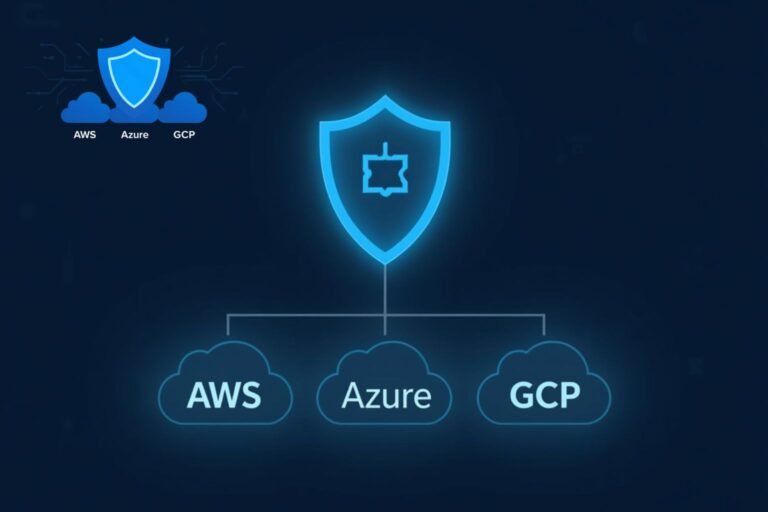
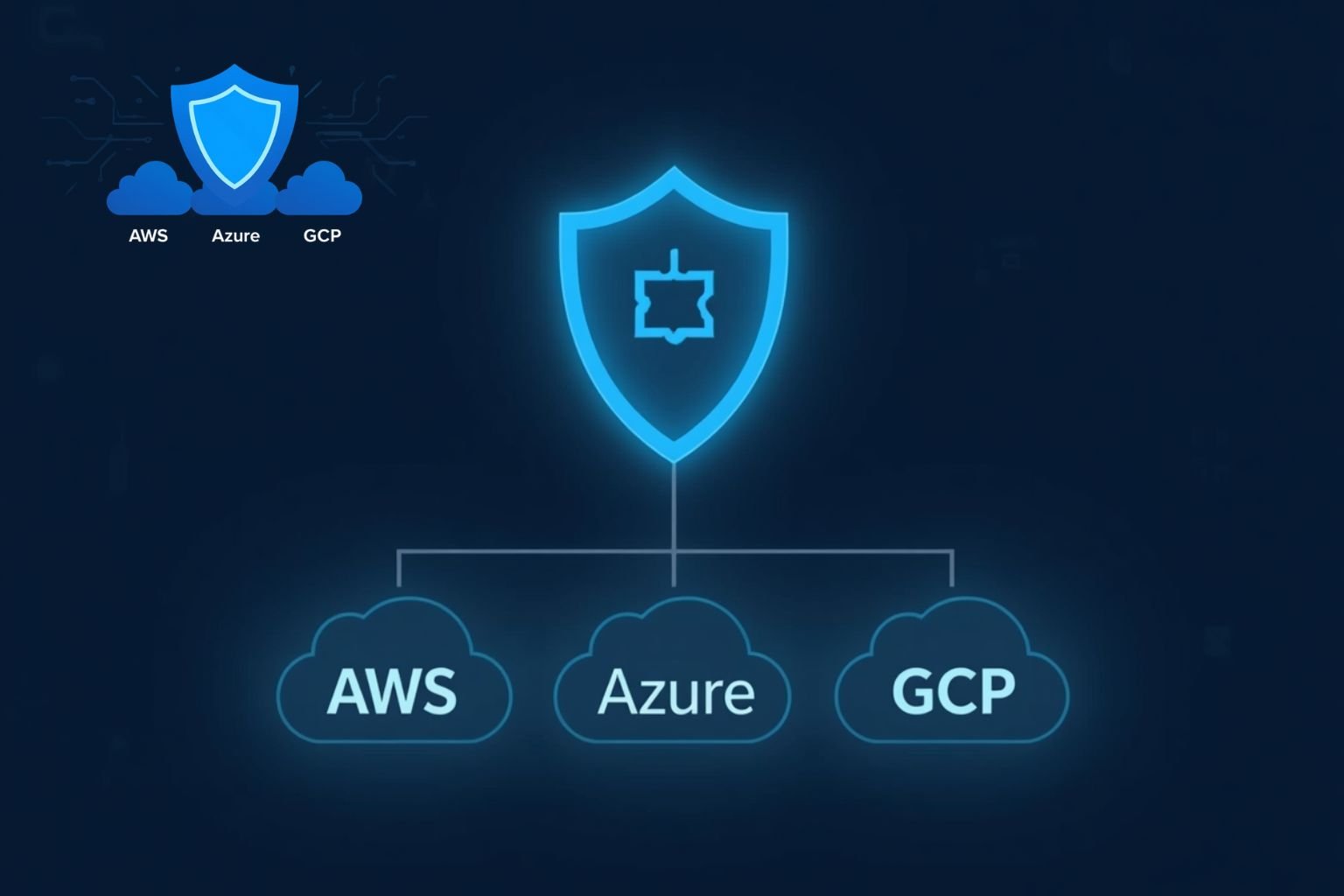
Image: cloud security checklist for AWS, Azure, and GCP [suggested diagram: shared responsibility split + IAM/misconfig/AI agent layers]
Frequently Asked Questions
What is cloud security?
Cloud security is the set of controls protecting data, identities, and workloads running in AWS, Azure, GCP, and other cloud IAM, misconfiguration management, encryption, logging, and monitoring on the customer side, and infrastructure on the provider side.
What is the shared responsibility model?
The provider secures the infrastructure of the cloud; the customer secures everything in the cloud data, IAM policies, network settings, and application code.
Is CSPM the same as CNAPP?
No. CSPM finds misconfigurations and tracks compliance posture. CNAPP bundles CSPM with workload protection, IaC scanning, and code-to-runtime correlation.
Which cloud security tools should a small team start with?
The native free tiers AWS Security Hub, Defender for Cloud, GCP Security Command Center plus MFA, S3 Block Public Access, and org-level policies. Add a CNAPP once basics hold.
How do I secure AI agents in the cloud?
Dedicated least-privilege roles per agent, sandboxed execution, logging of every action, and prompt-injection filtering on tool inputs.