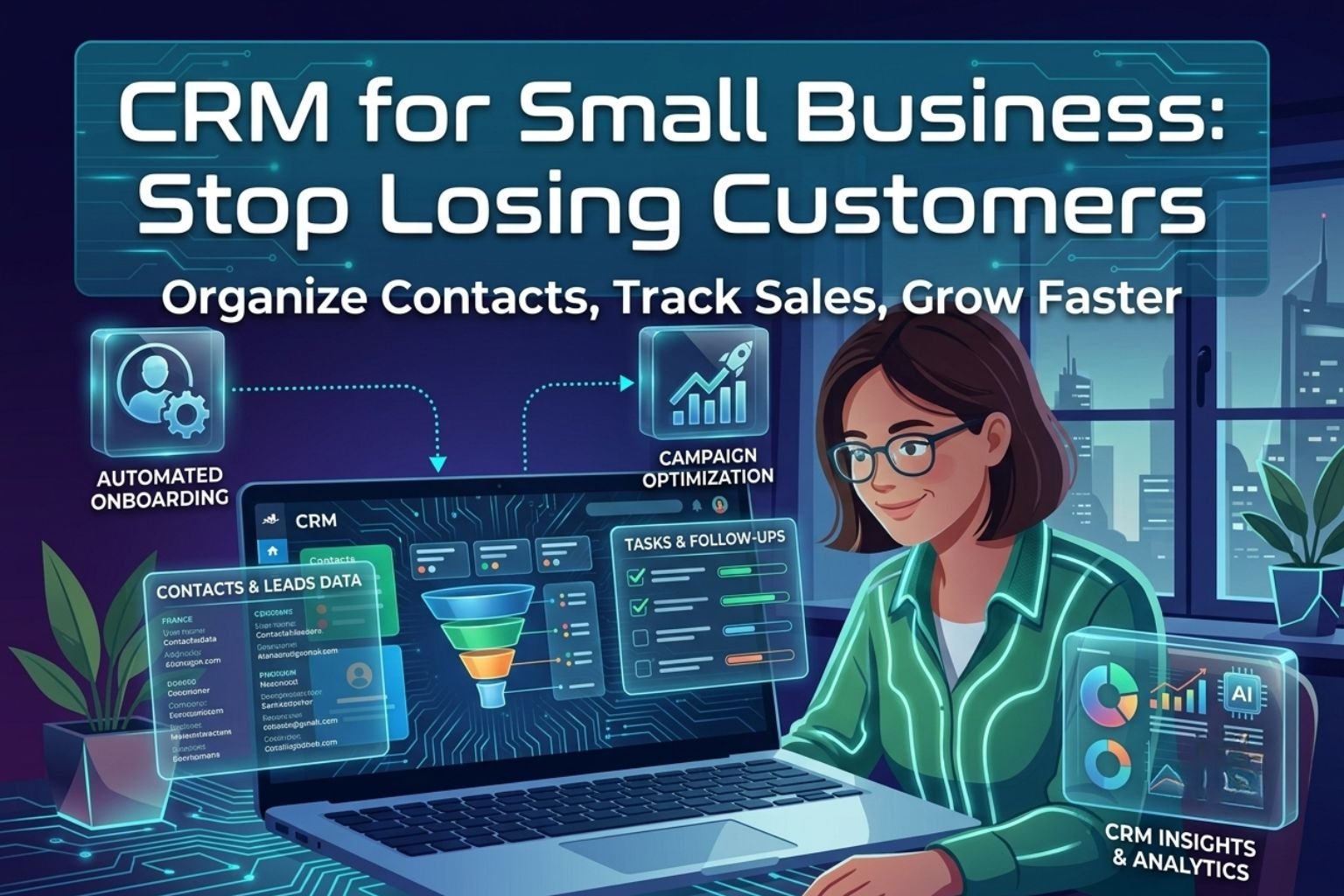
Most business owners start out keeping client details in their head, an email inbox, or a messy spreadsheet. That works fine when you have three active projects on the go, but cracks show up fast once inquiries start piling in. You forget to send an agreed estimate, misplace a phone number, or leave a hot lead waiting days for an answer. When potential buyers feel ignored, they hire someone else. Adopting a dedicated CRM for small business solves that breakdown before your hard-earned reputation takes a hit.
A customer management platform is not just an online address book. It is a shared hub where every conversation, pending invoice, phone note, and next step lives in one organized record. Instead of rummaging through scattered email chains or asking your team who promised what, you open a contact card and get the full story in ten seconds. That clarity protects your pipeline and saves you hours of administrative busywork every week.
Why Spreadsheets Break Down as You Grow
A spreadsheet is a passive grid. It sits on your computer quietly and never tells you what needs doing today. It will not alert you that a qualified prospect asked for pricing on Tuesday and heard nothing back. It cannot track back-and-forth emails between three different team members, and it will not prompt you to follow up with an existing account whose contract is about to expire.
When you rely on spreadsheets, customer records end up fragmented across personal mobile phones, sticky notes, and private inboxes. If an account manager takes time off or leaves the company, their working history and personal rapport with your clients walk right out the door with them. Your remaining staff have to guess what was agreed, which makes your entire operation look sloppy to paying customers.
Why Use a CRM Instead of Free Workarounds?
When cash is tight, sticking with free tools seems sensible. You might ask why use a CRM when email folders and shared documents cost nothing. The difference comes down to visibility and speed. Free workarounds require constant manual updates that busy people rarely have time to make. A purpose-built system logs messages, tracks status changes, and schedules tasks automatically.
Imagine a high-value customer calls your office while you are away from your desk. With basic folders, whoever answers the phone has no idea what is happening with that account. They take a frantic message, promise someone will get back to them, and leave the client waiting.
With a centralized platform, your colleague pulls up the account file instantly. They see the active project, review recent email notes, check the agreed quote, and answer the client’s question on the spot. You protect your revenue and present a sharp, dependable front to every customer.
How to Manage Customer Information Without Getting Bogged Down
Software only works if your team actually uses it. The biggest mistake founders make when learning how to manage customer information is demanding too much data entry. If logging a two-minute phone call requires completing fifteen mandatory form fields, people will avoid the system and return to their private scribbles.
Keep your contact records lean and practical. Focus on collecting only the details that directly help you serve clients and win deals:
- Primary contact name, verified mobile number, and direct email address.
- The specific problem or project scope they originally contacted you about.
- Current status in your buying journey, such as discovery, quote submitted, or work in progress.
- A brief, plain summary of your last conversation.
- A clear next action item assigned to a specific person with a hard calendar due date.
When notes stay short and functional, your team updates records without friction. Everyone stays informed without wasting billable hours on administrative overhead.
Small Business Sales Tracking That Plugs Revenue Leaks
Most lost deals do not slip away because your prices were too high or your pitch was poor. They slipped away because nobody followed up. A prospective buyer asks for a proposal on Friday, gets swamped with their own work the following week, and the conversation goes cold simply because neither side reached out.
Visual small business sales tracking puts an end to that silence. Instead of hiding leads inside a list, your sales pipeline displays deals as distinct cards arranged across clear chronological columns:
- New Inquiry: A prospect reaches out through your website or phone line.
- Discovery Completed: You have confirmed their budget and project requirements.
- Quote Delivered: You have sent the proposal and are waiting on their decision.
- Follow-Up Active: You have checked in to handle questions or adjust terms.
- Won or Lost: The deal is either signed and paid, or closed with a reason noted.
When a quote card sits idle in the same column for five days, it stands out right away. You pick up the phone, address their concerns, and keep the project moving forward before they look elsewhere.
Practical Habits to Improve Customer Relationships
Technology does not close contracts or build loyalty on its own; people do. The genuine goal of keeping clean records is to improve customer relationships by cutting out guesswork from your day-to-day service.
When a client mentions in passing that their office is moving next month, or that their fiscal budget opens in October, add a quick note with an automated alert. When October rolls around and you check in asking how the new office space worked out, you prove that you actually listen. That level of personal attention separates you from larger, faceless competitors.
Use customer records to build dependable retention routines:
- Schedule an automated check-in thirty days after project delivery to confirm everything is running smoothly.
- Reach out to past buyers with priority booking windows before your seasonal calendar fills up.
- Spot inactive accounts that have not purchased anything for ninety days and check in with a helpful update.
Getting Started with CRM in Five Practical Steps
You do not need to hire software consultants or spend weeks building intricate automations. Successfully getting started with CRM tools is about starting small, keeping your initial setup basic, and establishing good daily habits.
- Clean your existing contact lists. Pull contacts out of old spreadsheets and phone logs. Delete duplicates, remove old suppliers you no longer use, and toss out dead leads.
- Map your genuine sales stages. Stick to four or five milestones that match how you actually sell. Avoid copying complicated enterprise workflows that only confuse your staff.
- Import active accounts first. Bring in your current paying clients and active prospects first so your team can start working in the system immediately.
- Link your primary communication channels. Connect your daily work email and calendar so incoming messages and meetings automatically attach to matching contact cards.
- Establish the golden rule of adoption. If a conversation, quote, or task is not logged inside the system, it simply does not exist. Review the active pipeline together for fifteen minutes every Monday morning.
Choosing the Right CRM for Small Business Operations
The software market is packed with platforms boasting complex forecasting algorithms and endless menus. Most small operations do not need any of that. When picking a CRM for small business platform, usability beats feature count every single time.
Look for a platform with a responsive mobile app so your team can log notes from the field or check client details while traveling. Check that the search bar is fast, that adding a new contact takes fewer than thirty seconds, and that customer support answers questions quickly.
When you replace scattered notes and fragile spreadsheets with a clean, centralized system, you stop leaking revenue through forgotten follow-ups. You know exactly what deals are pending, your clients feel valued, and your team spends their working hours closing business instead of chasing paperwork.