
If you run a small business or lead a growing team, you already know how fast things can spiral into chaos. Tasks get forgotten, deadlines slip, and suddenly everyone is asking the same question: “Where are we with this?” Choosing the best project management tools can make a real difference. Still, with so many options out there, it’s easy to feel stuck or end up with something that feels more like extra work than actual help.
I’ve spent a lot of time working with small business owners and teams who were trying to get organized without adding more stress. In this piece, I’m comparing three of the most popular tools right now: Asana, Trello, and Monday. These are the ones I see small teams actually using day after day. I’ll share what I’ve learned from real use, not just feature lists, so you can decide which one (if any) makes sense for your situation.
Why the Right Project Management Tool Actually Matters
Most small teams don’t need something overly complicated. You want a place where everyone can see what needs to be done, who’s responsible, and whether things are on track. The wrong tool can create more meetings and confusion. The right one quietly keeps things moving and reduces those “Did you finish that yet?” messages.
The three tools I’m looking at, Asana, Trello, and Monday, each solve slightly different problems. Trello is simple and visual. Asana brings more structure. Monday is flexible and powerful but takes a bit more effort to set up. None of them is perfect for every team, but one of them is usually a good fit once you understand the real differences.
How Asana, Trello, and Monday Compare in Real Life
Here’s a straightforward side-by-side look based on what small businesses actually experience.
Comparison Table
| Feature | Trello | Asana | Monday |
| Starting Price (per user/mo, billed annually) | Free / $5 | Free / $10.99 | $10 |
| Best For | Visual, simple workflows | Structured projects | Custom workflows |
| Ease of Use | Extremely easy | Easy after short learning | Medium |
| Visual Boards | Excellent | Good | Excellent |
| Timelines & Gantt Views | No | Yes | Yes |
| Automation | Basic | Strong | Very strong |
| Reporting | Basic | Good | Excellent |
| Mobile App | Very good | Excellent | Excellent |
All three offer decent free plans, so you can test them without spending anything upfront.
What Each Tool Actually Feels Like to Use
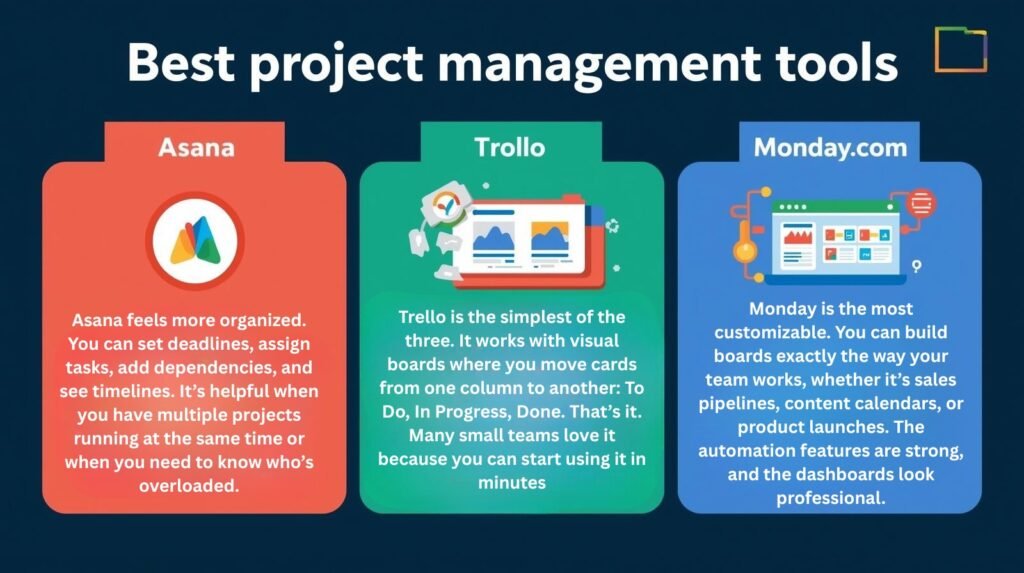
Trello is the simplest of the three. It works with visual boards where you move cards from one column to another: To Do, In Progress, Done. That’s it. Many small teams love it because you can start using it in minutes. You add checklists, due dates, labels, and attachments, and everything stays easy to see at a glance. It’s great when your team prefers something light and visual rather than structured.
Asana feels more organized. You can set deadlines, assign tasks, add dependencies, and see timelines. It’s helpful when you have multiple projects running at the same time or when you need to know who’s overloaded. The integrations with Slack and calendars work smoothly, so updates happen without extra effort. Teams that manage client work or longer projects often find that Asana brings order without feeling too rigid.
Monday is the most customizable. You can build boards exactly the way your team works, whether it’s sales pipelines, content calendars, or product launches. The automation features are strong, and the dashboards look professional. It takes a little longer to set up properly, but once it’s running, it can replace several other tools. It’s best for teams that have grown beyond basic task lists and need more flexibility.
Pros and Cons – What Small Teams Actually Say
Trello Pros: Super easy to learn, great visual overview, free plan is genuinely useful. Cons: It starts feeling limited once projects get more complex or you need timelines and reporting.
Asana Pros: Clear structure, excellent timelines, good workload views, scales nicely as you grow. Cons: Can feel stiff for very creative or visual teams; some advanced features require the paid plan.
Monday Pros: Extremely flexible, powerful automation, beautiful dashboards. Cons: Takes more time to set up and can feel overwhelming if you only need basic task tracking.
From talking to actual small business owners, Trello wins for speed and simplicity, Asana is the best balance for most growing teams, and Monday shines once you have more people or complex processes.
Which One Should You Choose?
There’s no single “best” tool; it depends on how your team likes to work.
- If you want something dead simple and visual, start with Trello.
- If you need structure, deadlines, and clear accountability, Asana is usually the better fit.
- If you want maximum flexibility and custom dashboards, Monday is worth considering.
My practical advice for most small businesses: Begin with Trello or Asana. They’re easier to adopt and don’t require a big learning curve. Only move to Monday if you find yourself outgrowing the other two.
Take the free trials seriously. Import a couple of real projects and let your team use the tool for one week. You’ll quickly feel which one feels helpful and which one feels like extra work.
The best project management tools are the ones your team actually opens every day. Choosing the simplest one that still meets your needs is almost always smarter than picking the most powerful option on paper.