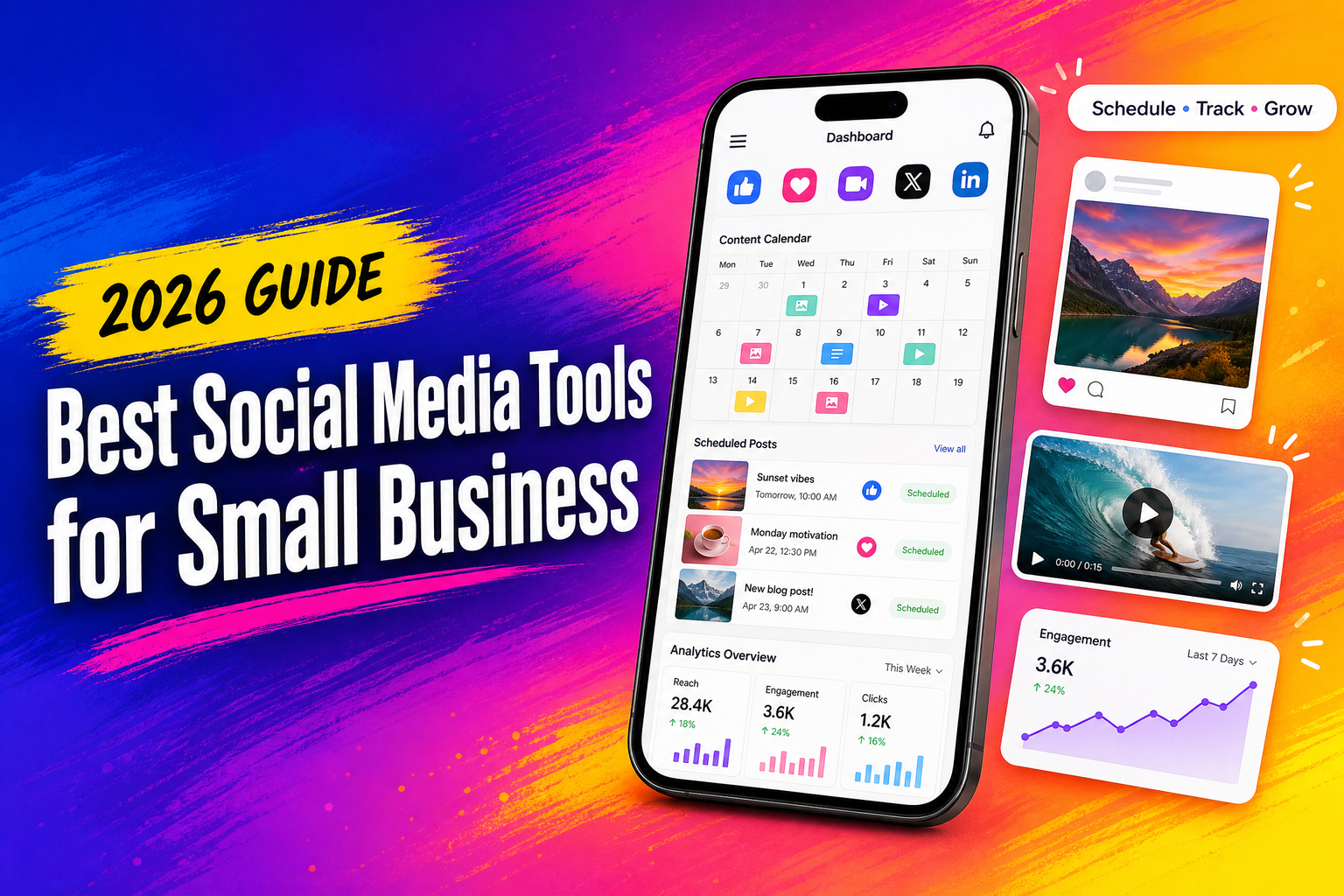
Choosing the best social media tools for small businesses can save hours every week. Instead of opening several apps to write posts, schedule updates, check comments, and study results, a small team can manage much of that work from one dashboard. The right tool depends on your posting routine, budget, platforms, and the amount of detail you need in your reports.
Some tools are built for simple scheduling. Others are better for agencies, online stores, or teams handling several brands. Paying for the most expensive option does not guarantee better results. In many cases, a smaller tool is easier to use and gives a clearer view of what is working.
What to Look for in Social Media Tools for Small Business
Before comparing software, write down what your team actually needs. A local service company may only need a weekly calendar and basic reports. A growing online shop may need product links, comment monitoring, and detailed data.
Look for these features:
- Post scheduling across major networks
- A visual content calendar
- Support for images, short videos, and stories
- Basic approval options for teams
- Comment and message monitoring
- Post-performance reports
- Easy export of data
- A mobile app that works reliably
- Clear pricing as your account grows
You should also check platform support. Some products work well with Facebook and Instagram but offer limited support for LinkedIn, Pinterest, TikTok, or YouTube. A tool that supports the wrong channels will create extra work rather than remove it.
Best Social Media Scheduling Tools for Different Needs
The following platforms cover different types of small business work. There is no single winner for every company.
Buffer: Simple Posting Without the Clutter
Buffer remains a good starting point for owners who want a clean publishing system. Its main strength is simplicity. You can create a queue, choose the days and times for publishing, and review upcoming posts without dealing with a crowded interface.
It works well for freelancers, consultants, cafés, local services, and small teams that publish a few times each week. The calendar makes it easy to spot gaps in your posting schedule. You can also adjust a post for each platform instead of sending the exact same text everywhere.
The reporting section is fairly easy to understand. You can check reach, clicks, reactions, and other basic figures without spending an afternoon learning the dashboard.
Buffer may feel limited if you need deep competitor research, large-scale approval flows, or extensive customer-message management. For a small content queue, though, that simplicity is its biggest advantage.
Metricool: Useful Reports and Content Planning
Metricool is a strong choice for businesses that want scheduling and reporting in the same place. It supports several channels and gives users a broader view of post performance, audience activity, and website traffic.
Its calendar is useful when a business publishes different types of content throughout the week. For example, Monday might be reserved for an educational post, Wednesday for a customer story, and Friday for a short product video. Seeing those pieces together makes the publishing plan easier to manage.
Metricool also offers reports that can be shared with clients or managers. That makes it useful for small agencies and freelance social media managers. Instead of taking screenshots from several platforms, you can prepare one report with the main figures.
The dashboard includes more information than Buffer, so new users may need a little time to find their way around. Still, it is a practical option for owners who want more than a simple posting queue.
Hootsuite: Better for Larger Teams
Hootsuite is aimed at businesses that manage several accounts, users, and conversations. It provides publishing, monitoring, reporting, and team permissions in one system.
A company with an in-house marketing team may find the approval process useful. One person can prepare a post, another can review it, and a manager can give the final approval before it goes live. This reduces the risk of publishing an incorrect offer, outdated price, or unfinished caption.
Hootsuite is also helpful when social media messages arrive throughout the day. The monitoring tools can bring conversations from different networks into one workspace, although the exact features depend on the plan and connected platforms.
The main drawback is cost. A very small business that publishes only a few posts each week may not use enough of the available features to justify the price. Hootsuite makes more sense when several people share responsibility for social accounts.
Later: A Good Fit for Visual Brands
Later is well suited to businesses that depend heavily on images and short videos. Fashion shops, restaurants, travel brands, beauty businesses, and creators may prefer its visual planning tools.
The media library helps users organise photos and clips before adding them to the calendar. This is useful when a business wants to maintain a consistent look across its profile. You can preview how a group of posts will appear and move items around when the order feels wrong.
Later also supports link-in-bio features, which can help businesses send profile visitors to product pages, booking forms, menus, or selected articles.
Its main strength is visual planning rather than deep customer support. If most of your work involves replying to messages or reviewing detailed campaign data, another platform may suit you better.
Sprout Social: Detailed Data for Serious Reporting
Sprout Social is aimed at organisations that need detailed reporting and customer-care features. It offers publishing, monitoring, inbox management, and reports for several social channels.
A growing brand may use it to track response times, audience reactions, and the performance of different content types. Its reports can help managers understand which posts attract clicks, which topics create discussion, and where customer questions keep appearing.
The platform is polished, but the price is high compared with simpler products. It is usually a better fit for a company with a dedicated team or an agency handling multiple clients. A solo business owner may find that Buffer or Metricool covers the daily work at a lower cost.
Social Media Tools for Small Businesses: Which One Should You Pick?
Your choice should follow your routine rather than a list of impressive features.
Choose small business social media software based on these situations:
- Choose Buffer if you want quick scheduling and a simple calendar.
- Choose Metricool if reports and website data matter to you.
- Choose Hootsuite if several people publish and approve posts.
- Choose Later if your brand depends on visual content.
- Choose Sprout Social if customer care and detailed reporting are central to your work.
Do not judge a platform after creating one test post. Add a small batch of real content, connect the accounts you use most, and prepare a weekly calendar. Try to answer ordinary questions: Can you edit a post quickly? Can another team member review it? Are the reports understandable? Does the mobile app save time or create another problem?
Social Media Posting Tools: A Practical Weekly Routine
A tool only helps when the publishing process is clear. A simple weekly routine works well for many small teams.
On Monday, review the previous week’s figures and note which posts received clicks, replies, saves, or shares. Do not look only at follower growth. A smaller post that brings five serious enquiries may matter more than a post that receives hundreds of casual views.
On Tuesday, prepare the week’s main posts. Write separate captions where needed instead of copying the same sentence to every platform. A professional network may need more background, while a short-video platform may need a quicker opening line.
On Wednesday, check comments and messages. Scheduled content does not replace real conversations. Reply to questions, record repeated complaints, and pass urgent issues to the right person.
On Friday, review what went live and move any unfinished content to the following week. This keeps the calendar realistic. Businesses often plan too much content, then rush the final posts.
Social Media Analytics Tools for Small Business
Reporting should answer useful questions, not fill a spreadsheet with numbers.
Check which topics receive the most attention. Compare product posts with educational posts, customer stories, behind-the-scenes content, and short videos. Look for patterns over four or five weeks rather than judging everything from one day.
Pay attention to:
- Link clicks
- Profile visits
- Saves and shares
- Direct messages
- Comments that show buying interest
- Video watch time
- Website visits from social posts
A post with high reach but no clicks may be useful for awareness, but it may not support sales. A post with modest reach and several enquiries deserves closer attention. Keep notes beside the figures so you remember what the post was trying to achieve.
Many businesses also make the mistake of changing tools too quickly. Give one platform enough time to become part of your weekly routine. If the calendar is confusing, reports are difficult to export, or the software lacks the channels you need, then move on. Otherwise, learn the system before paying for another one.
How Much Should a Small Business Spend?
Start with the lowest plan that supports your main accounts and publishing schedule. Free plans can be enough for a new business, but they often limit the number of scheduled posts, users, platforms, or reporting features.
Before upgrading, ask:
- How many people need access?
- How many brands will you manage?
- Do you need approval before publishing?
- Will you send reports to clients?
- Are detailed analytics really necessary?
- Does the plan charge by user, account, or number of profiles?
A cheap tool that your team avoids using is not a bargain. A higher-priced platform can make sense when it replaces several manual tasks, but only if those features are part of your weekly work.
Start with a short trial. Connect your real accounts, schedule actual posts, and test the reporting section. That will tell you more than a long feature list on a sales page.